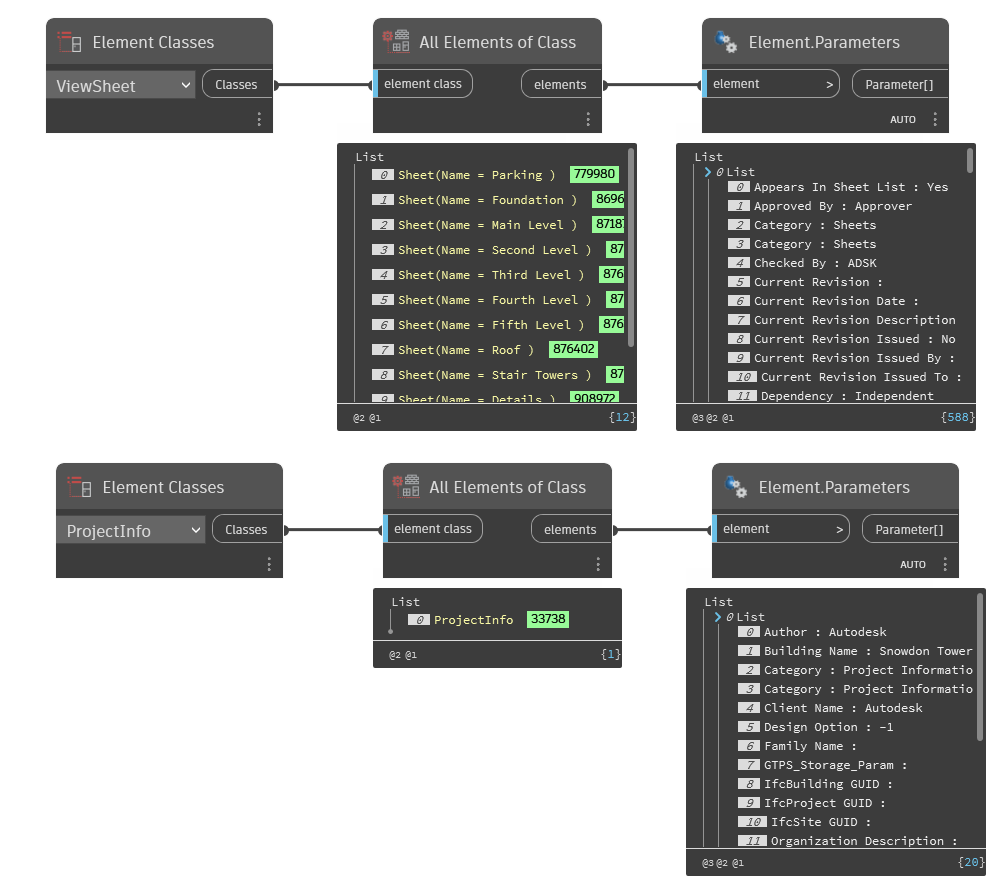
HI all
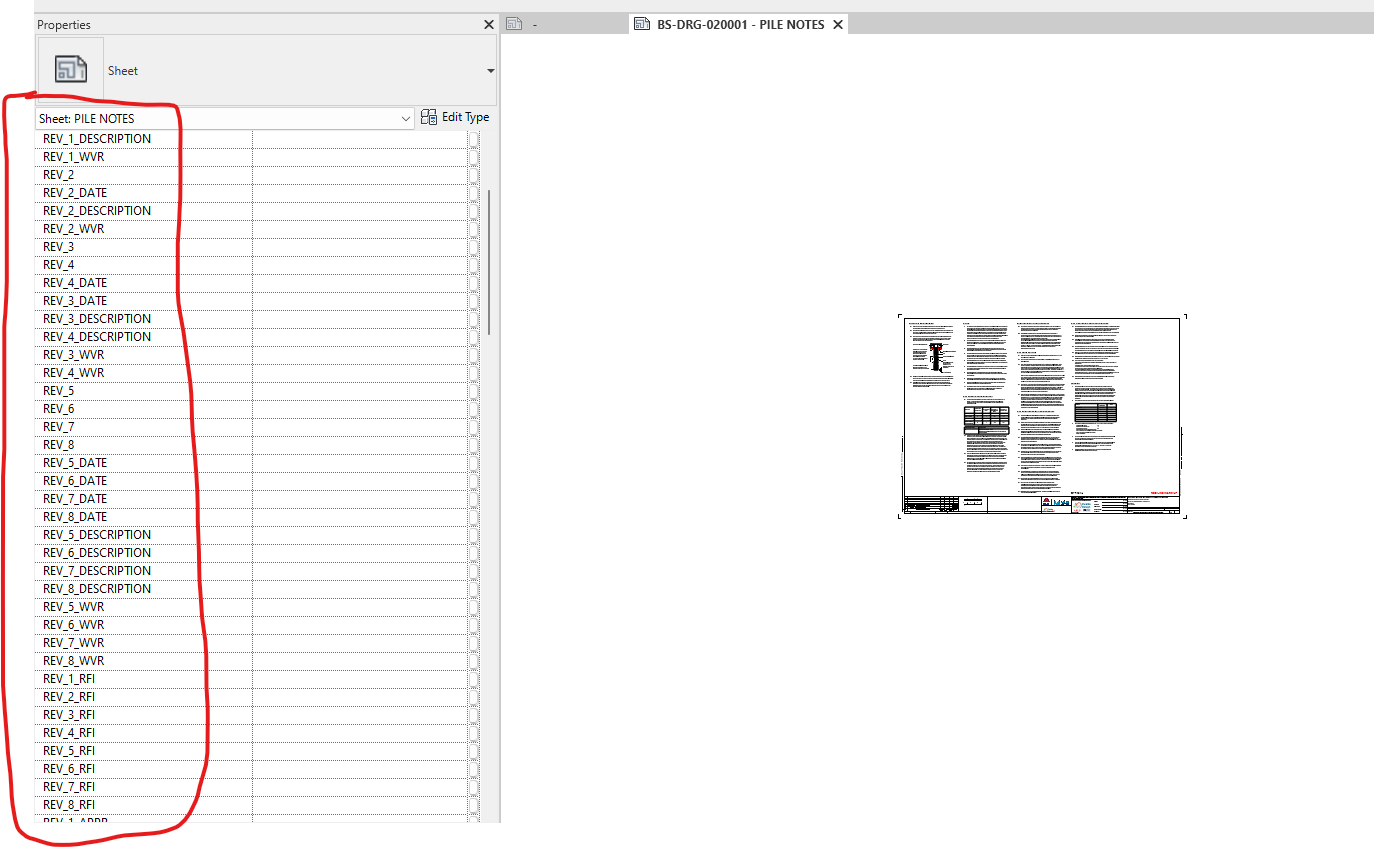
I have an issue with creating dynamo code for changing the name of parameter related to our sheet in revit, we have many shared parameter in one revit sheet which i write a code to change these name for all the sheet! but the issue is it won’t work and i guess it because of shared parameter but not sure how to fix it? the shared parameter name is (tbDrwnName ) which is shown in revit sheet view.
I test the same code for revit default parameter and it works and that parameter was built-in !
does anyone know how to fix this issue ?
Can you set the value in the ViewSheet or ProjectInfo? Based on your screenshot you may need to use Types instead of Classes
Yes, it works but this process that you shared is only getting parameters of titleblock in properties, if you don’t select the titleblock (but stay in viewport) you will see items on the properties ( in our case we have many shared parameters which can be seen in viewport not by selecting the sheet)! I hope it’s clear
You are looking at the instance parameters of the sheet. These could be project parameters or shared parameters which have been assigned to the sheets category.
Are there associated labels in the title block using the shared params?
It works, thanks for the help, i was put title block in the element instead of sheet. now i got all the parameter i wanted and also change them into new one which is a long list ! like this,
Do you think it’s easy to extract all of these parameters into excel for changes? or you advice do it inside the dynamo by changing each code black value ?