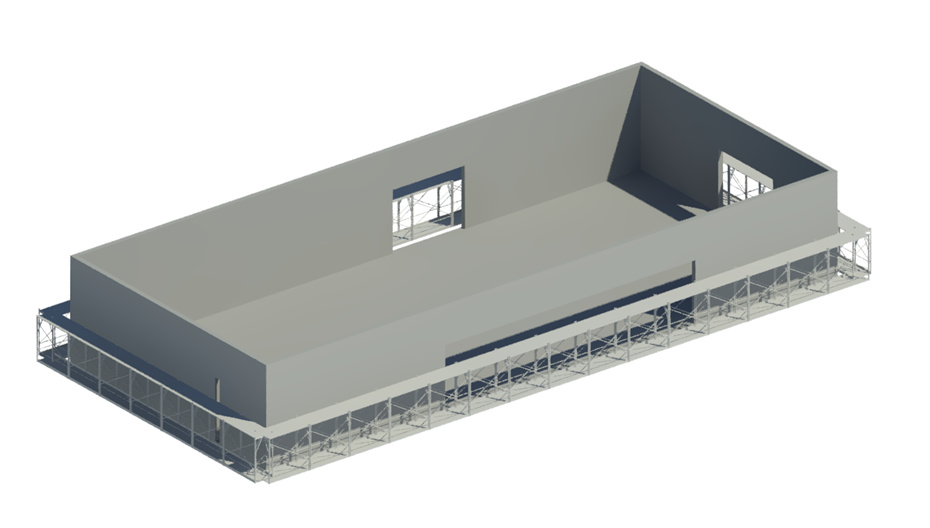
In the picture, I want to place Custom component “Construction frame” like the armrest.
But the AdaptiveComponent.ByPoints node output error “The arguments have issues”.
Does anyone have ideal? Thank you.
And this is my component ConstructionFrame.rfa (408 KB)


You will have to rotate the component after placing. In this case, rather than use the points, it looks like you would want to use the center point between those points. If you make lines connecting the points and find point at parameter 0.5, you can place the components on the line and then rotate using the direction of the line.
@kennyb6
Sorry, I can’t understand " make lines connecting the points and find point at parameter 0.5, you can place the components on the line and then rotate using the direction of the line."
With your graph, at the node Curve.PointAtParameter, instead of [0,1] as the input, just do 0.5.
Then after the FamilyInstance.ByPoint, use a set rotation node. It should require a degree input, which you can calculate using the original element curve’s .Direction and a base vector like X-axis fed as inputs into an angle about vector node.
Give it a try and let me know if you run into any problems.

Nice work.
As for your problem, that is why I said to use the line’s direction to determine the rotation. You already have the lines matched up to the correct component so it makes this a lot easier.


