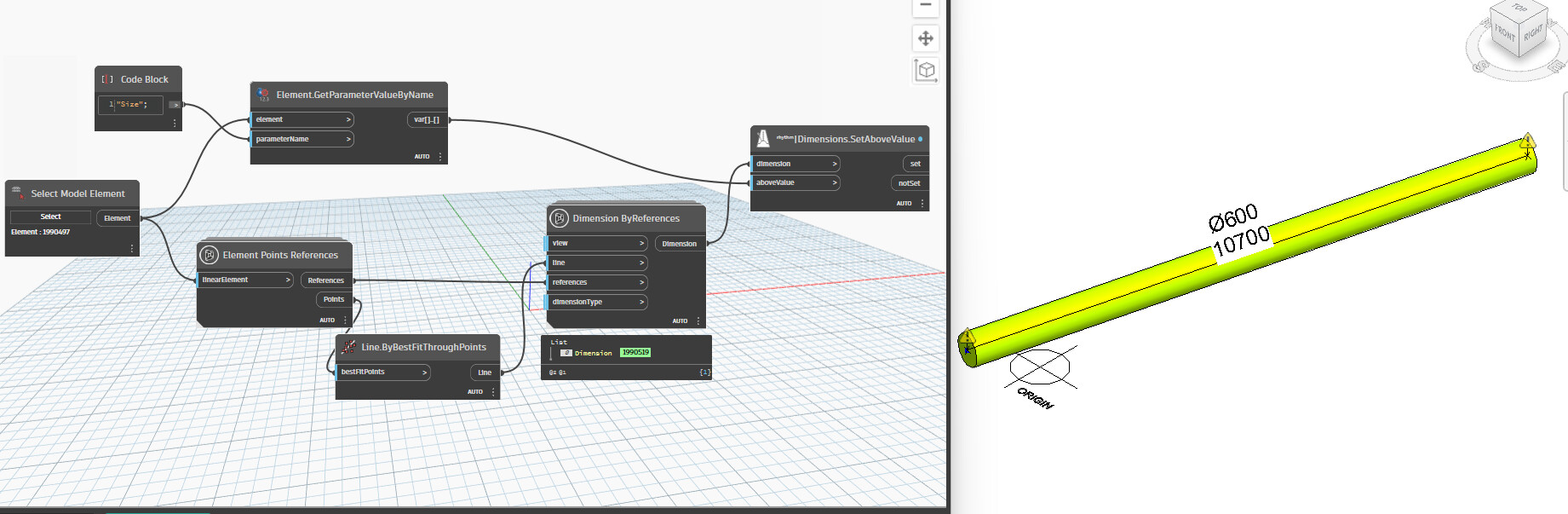
Hi, I was wondering how I can use the Dimension ByReferences block in Dynamo to create multiple dimensions for several pipes?
yes best create a new  but what have you tried ???
Do you have a sample graph or image of what you’ve tried? Have you checked the help documentation? Samples on the forum?
1 Like
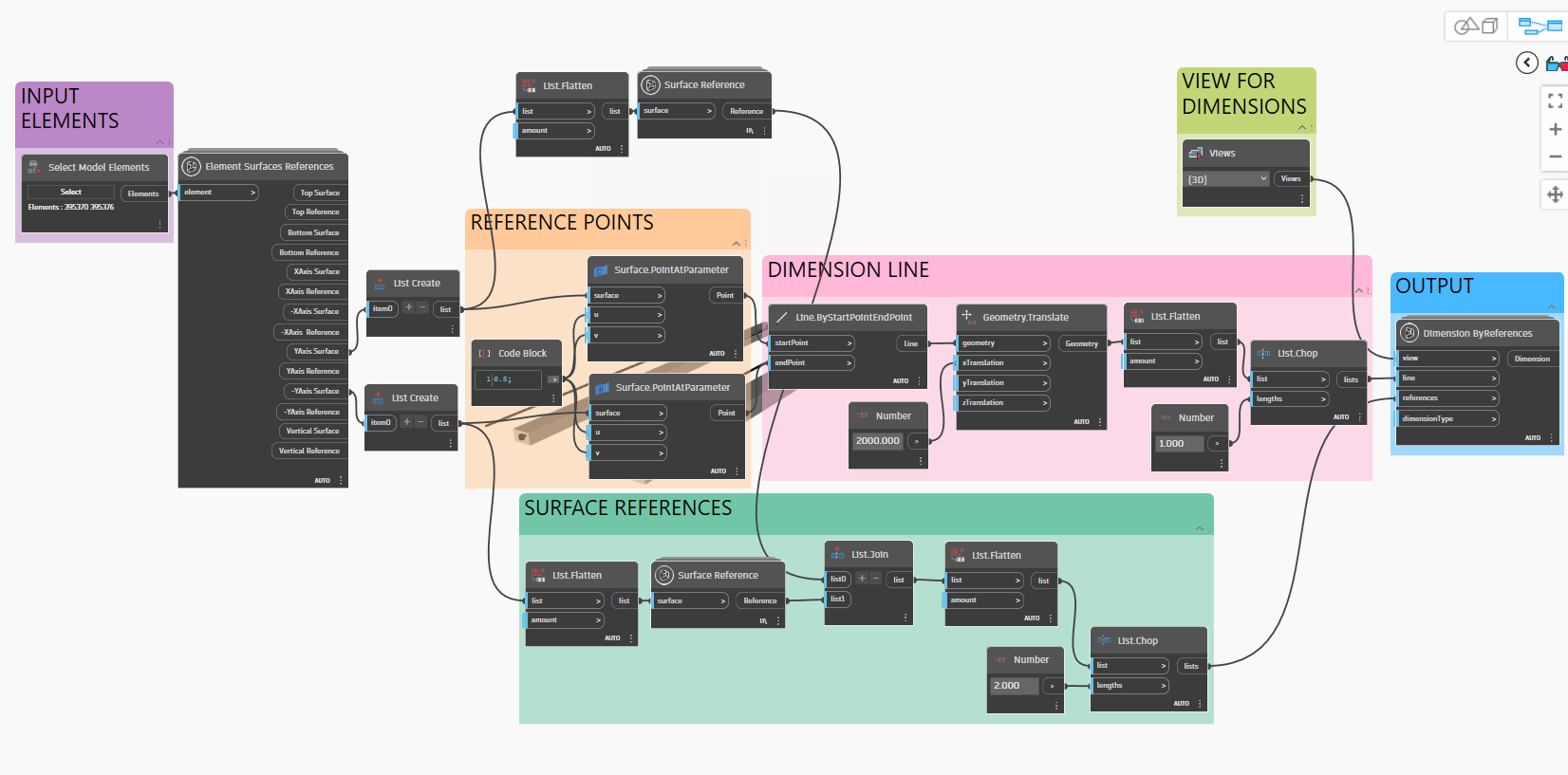
This is what I’ve tried so far. It works perfectly with only one element, but not for more than that.
The List.Flatten needs to have it’s list level updated to ensure that the association between surfaces and the elements you’re selecting is maintained. Or do you intended to strike multiple dimensions on the same element?
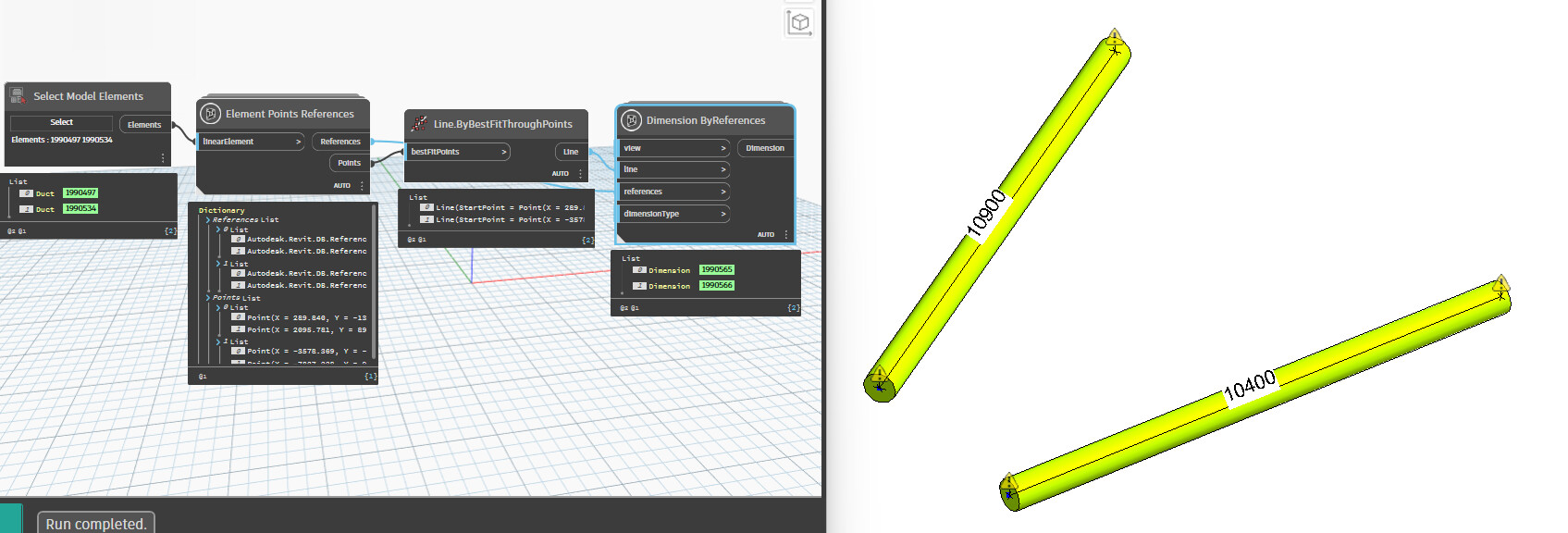
Is there a chance I can add diameter on the same line where the length is?
Do you mean a tag? If so yes
I ment that tag and dimension to be on the same dimension line