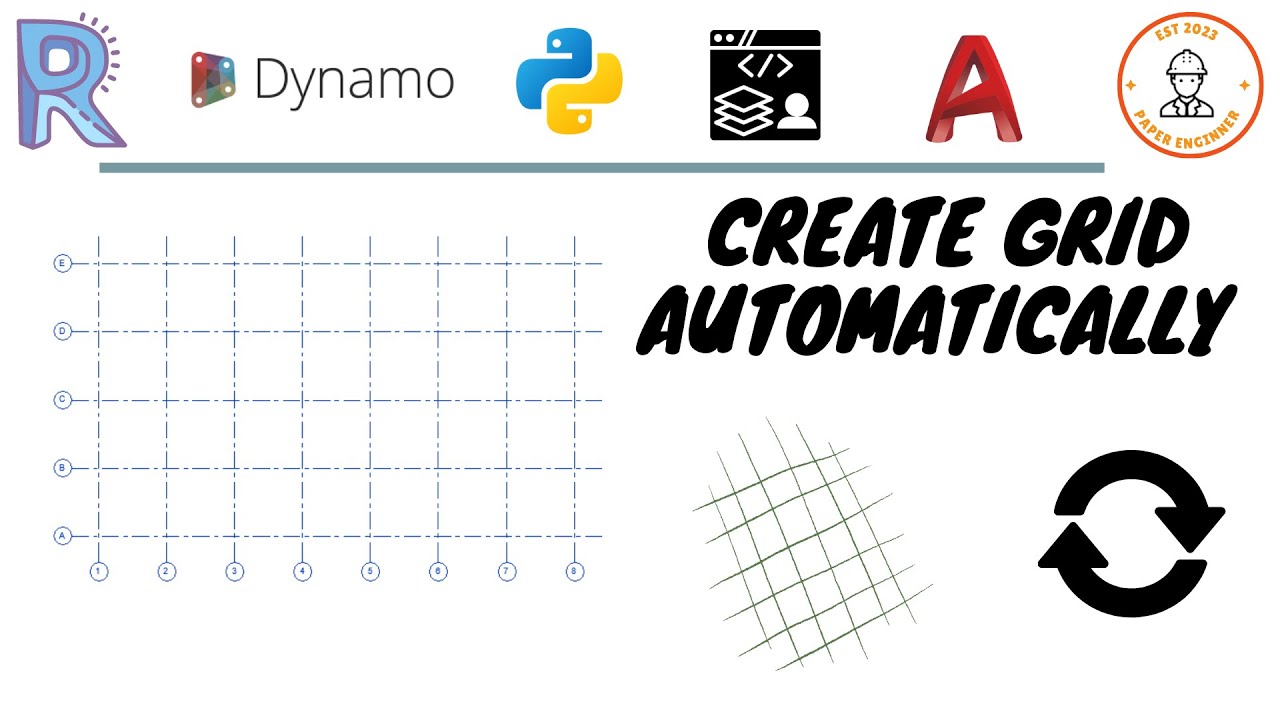
I have created grid lines from the linked DWG and used node CADTextData.TextValue to grab from the grid layer name, I want these grid names combine with the the created grid lines, how to do that?
Hi @fangpa, here’s my idea for achieving that. You can check the intersection between the grids in Revit and the grids in DWG, then get the text values of the grids in DWG and set them to the corresponding ones in Revit.
@fangpa Yes, of course, you can take a look at this guy’s video for a similar situation. Forget what I said about the intersection, he measured the distances between the grids in Revit and the text values to get the minimum distances. Then set them to the corresponding grids in Revit. He also included the dynamo script in the description for downloading.