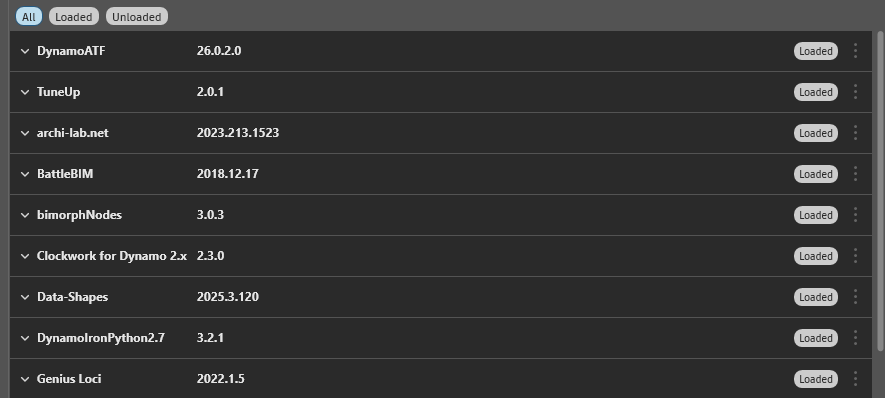
It’s been a while since I last updated my custom package, and I’m struggling to do it in Revit 2026 / Dynamo 3.5.
It’s a Zero Touch Nodes C# package. While debugging, I simply add the .dll via the Add-ons button. In previous Dynamo versions, this would make the package appear in the Package Manager, where I could use the Publish version option (the three dots menu).
Now, when I only add the .dll, the package no longer shows up in the Package Manager. If I try to publish it the regular way, I get an error saying the package already exists.
I also noticed the new My Packages section in the Package Manager, but it doesn’t provide any option to publish an update.
Has anyone run into this? What’s the correct workflow for publishing updates now?
What was the previous version working in, was it 2024 and below? if yes then you need to re-build your zero touch package to work with .net8/Dynamo 3.0(and above).
There was a blog post about this change and might give pointers on how to update.
yes, that’s exactly what I did, It’s already upgraded to .NET 8 and some new nodes were added as well. I’m having struggles publishing the version and that’s what I’m asking basically
Oh i thought you was having issues with loading it into Dynamo. To publish a package onto the package manager website it might be wise you have a review of the primer in the first instance as the publishing a new/updated methods are both indicated.
Publish a Package | Dynamo
yeah, that was the next part of my initial question 
I have currently referenced the package via selecting the .dll through the Add-ons button:
But it still doesn’t appear in the package manager so that I can publish the new version:
Perhaps I should construct it manually as a folder structure with all the dll, json and sample files in %Appdata%?
Ok, finally managed 
In the end I copied an old version in %Appdata% with all of its folder structure, replaced the dll, json and pbd files, added my new samples in the extra folder, edited the old package.json manually, etc.
Then it appeared in the package manager and I was able to publish the version.
I am just wondering if this is indeed the way it is intended to work originally, as it would be weird
In any case, I hope it helps someone in my situation
IF you add it via that Plus button, it may not be classed as a package. So yes you have to do all the file updates including updating the version within the pkg file prior to uploading a new version.