Hello,
I have been having having problems with smoothening the sharp lines in Revit Toposolids. Thankfully, I found a tutorial that uses dynamo to kinda modify the imported toposurface by increasing the points and redrawing/ rejoining them, making much more pleasing to work with.
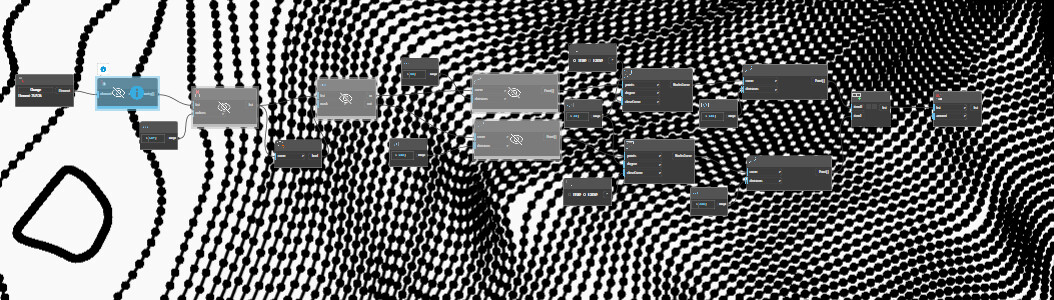
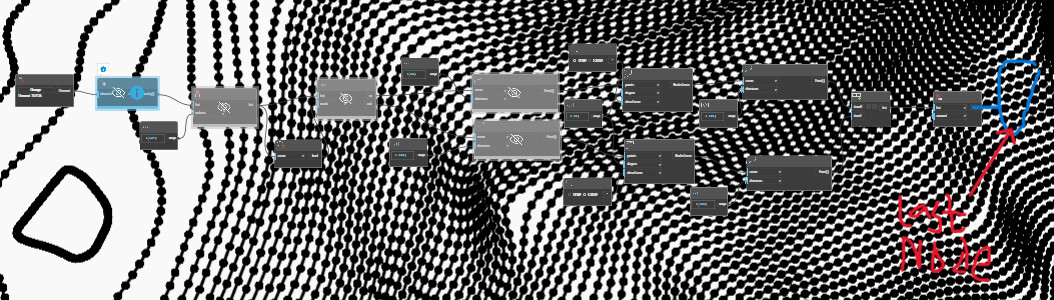
However, I can’t find the last node he connected to convert the points to toposolids in Dynamo(Rvt 2026). The node is called Topography.ByPoints. While I have attached screenshots of the nodes setup, can you please let me know what I am missing. Perhaps an alternative node or update of which I am not aware?
Ps; I have also tried using the Points node under the Toposolids tab, but an error just popped up. I would really appreciate your help.
I believe that with the underlying changes in Revit (since 2024) from topography elements to toposolids, you probably want a node called something like ToposolidByPointsType&Level (not sure of exact name I don’t have Dynamo in front of me)
Also- your screenshots are not legible- best to use the capture tool in Dynamo rather than the Winsows one
incidentally, the topography/toposolid tools in Revit are ‘basic’- that’s being kind.
Adding extra points to smooth out lines will make it look nice by getting rid of nasty jagged contours- but not really smoothing it out. The surface editing tools in Civil3D are far better- it’s usually better to tweak the surface in C3D, then link it in to Revit
I have heard of the Civil3D software, but I have been reluctant to use it. Perhaps I felt the workflow would be too complicated and wanted to keep everything within Revit.
Meanwhile, if the dynamo workflow doesn’t work out great, I will have to consider the Civil3d. Though, I appreciate you pointing this out.