
Hello @Harshit.VarshneyEL7C and welcome to the forum  is this node (sectionbox create) a costum one, if so where does it comes from ? probably you will need install the right python engine as well
setsectionbox is a custom node from Clockwork package and its the right version(2025) and my REVIT is also 2025.
all right is you clockwork version 3.3.0 ? it should work with standard cpython3 in 2025, but what does the active view give you ? and is that one from CW as well ?

this is my clock work package…
active view is a 3d view that is opened in my REVIT, yes it is also a clockwork node.

allright then try upgrade 3.3.0 is for 25 and works with cpython3 standard i guess…regard your last image, does that mean it works ???
no the bounding box is created correctly but the section box is not created correctly.
3.3.0 is in clockwork 3.x not in 2.x but node I am using from 2.x so are the same nodes available in 3.x as well?
Yes 
section box should be created aligned with the bounding box.


Hi,
The transformation of BoundingBox is likely to be lost during the DynamoBoudingBox to RevitBoundingBox conversion, so alignment cannot be performed
Ok, so whats the solution for that can you tell me please.
yeah have just tried, and seems what @c.poupin say is right as always ;), seems nice aligned in dynamo preview, but doesnt align in revit …that was new to me
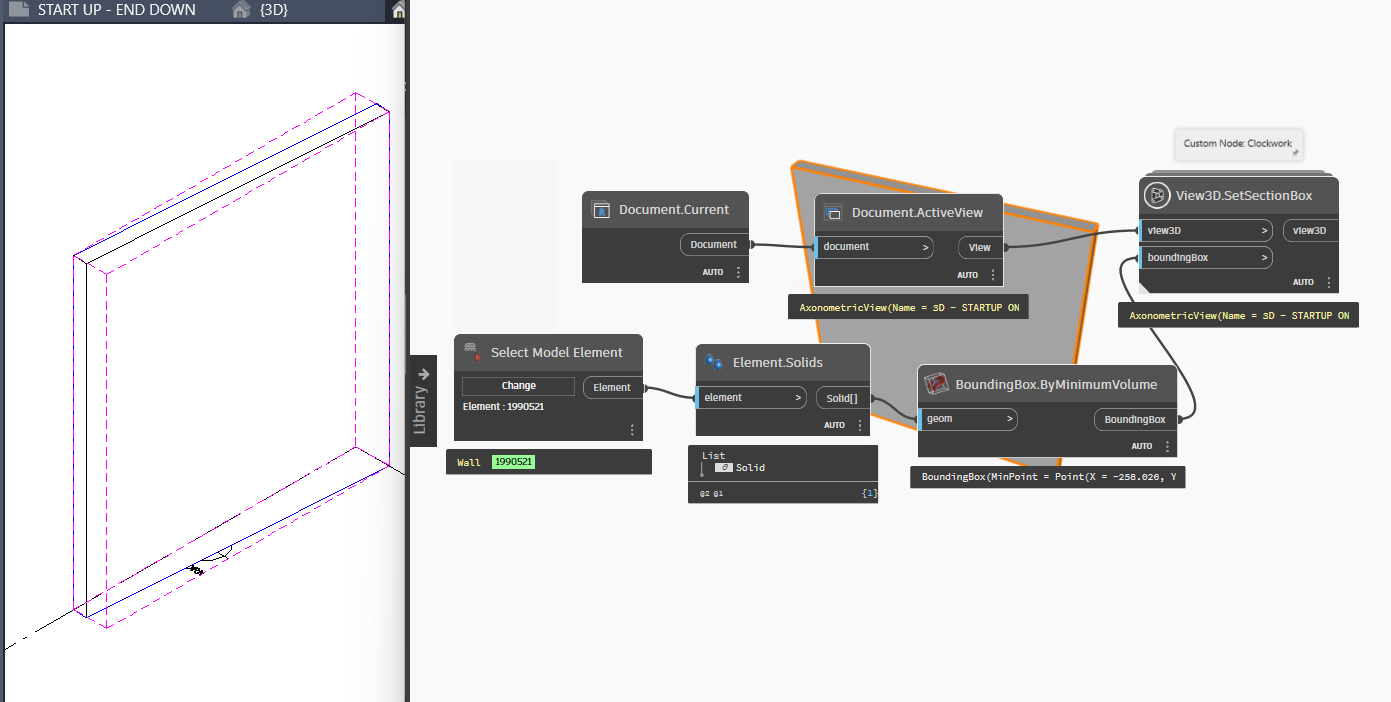
yup.
Modify the way the bounding box in Revit is created. I am not sure that is possible, but I am sure others would be able to more easily help you find a solution if you posted a sample Revit file to test with and your current graph.
I just want to make a code to align the section box with any 3d element I select, so anyone can make that script on any sample file and share the code, it will be great. Just I don’t need the python script for that, I need a dynamo code using the nodes only.
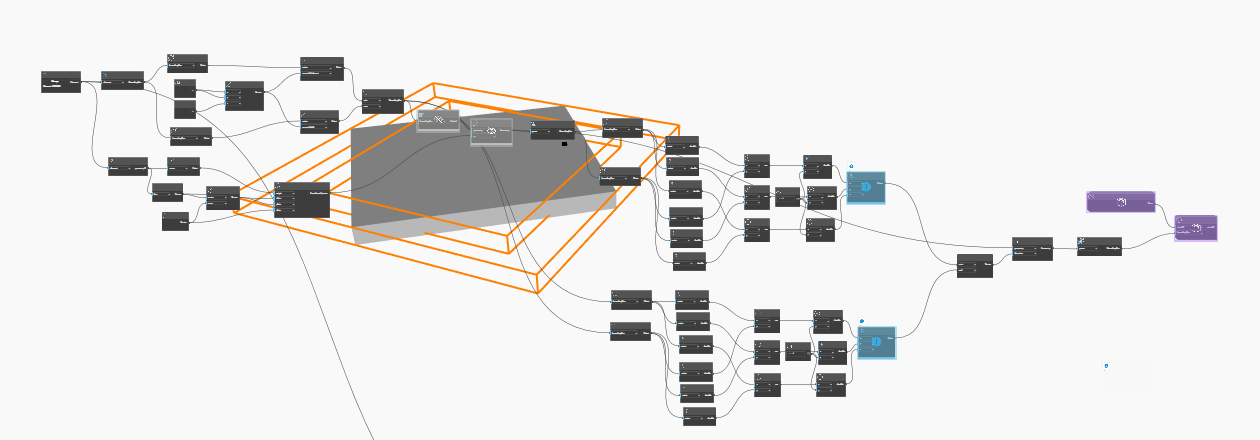
I created this script as well, but this is creating the geometry correct at the last but the node of making bounding box from geometry at the end is creating a bounding box not aligned with the geometry, but in this with same 2 nodes section is created but its aligned with the bounding box which is not correctly aligned with the geometry.
Here is a workaround,
You may need to adapt the Python code to meet your requirements.
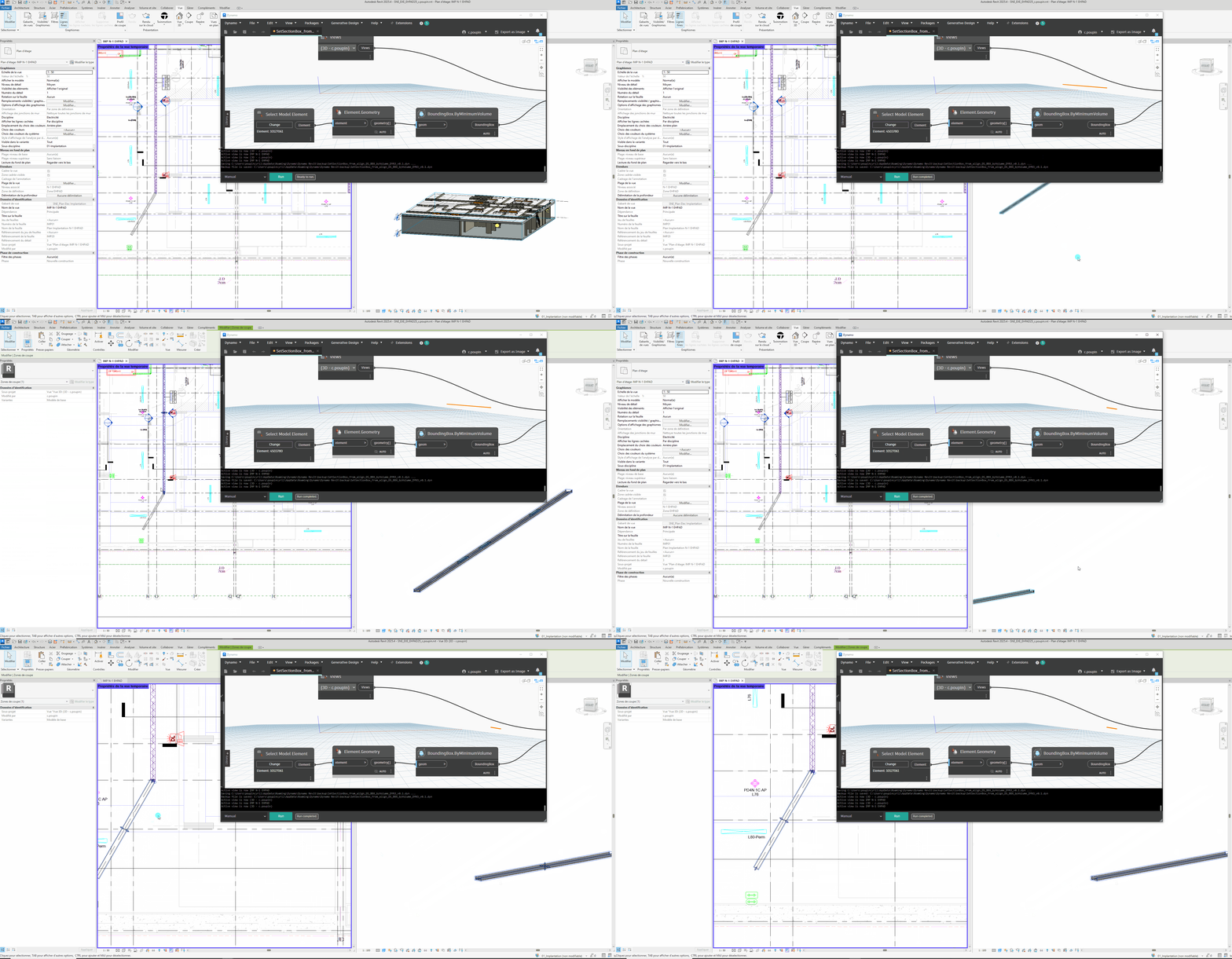
import clr
clr.AddReference('ProtoGeometry')
from Autodesk.DesignScript.Geometry import *

# Import ToDSType(bool) extension method
clr.AddReference("RevitNodes")
import Revit
clr.ImportExtensions(Revit.Elements)
clr.ImportExtensions(Revit.GeometryConversion)

# Import DocumentManager and TransactionManager
clr.AddReference("RevitServices")
import RevitServices
from RevitServices.Persistence import DocumentManager
from RevitServices.Transactions import TransactionManager

# Import RevitAPI
clr.AddReference("RevitAPI")
import Autodesk
from Autodesk.Revit.DB import *

doc = DocumentManager.Instance.CurrentDBDocument

def set_SectionBox(view3d, ds_bbx):
    margin = XYZ(0.05, 0.05, 0.05)
    # convert bbx
    tf_view = view3d.CropBox.Transform
    cs = ds_bbx.ContextCoordinateSystem
    tf = Transform.Identity
    tf.BasisX  = cs.XAxis.ToXyz()
    tf.BasisY  = cs.YAxis.ToXyz()
    tf.BasisZ  = XYZ.BasisZ #coord_system.ZAxis.ToXyz()
    tf.Origin  = cs.Origin.ToXyz()
    ptmax_before_cs = ds_bbx.MaxPoint.Transform(cs.Inverse())
    ptmin_before_cs = ds_bbx.MinPoint.Transform(cs.Inverse())
    newbox = BoundingBoxXYZ()
    newbox.Max = ptmax_before_cs.ToXyz().Add(margin)
    newbox.Min = ptmin_before_cs.ToXyz().Subtract(margin)
    newbox.Transform = tf
    view3d.SetSectionBox(newbox)

views = UnwrapElement(IN[0])
ds_bboxes = IN[1]

TransactionManager.Instance.EnsureInTransaction(doc)
if isinstance(IN[0], list):
    if isinstance(IN[1], list): OUT = [set_SectionBox(x, y) for x, y in zip(views, ds_bboxes)]
    else: OUT = [set_SectionBox(x, ds_bboxes) for x in views]
else:
    if isinstance(IN[1], list): OUT = set_SectionBox(views, ds_bboxes[0])
    else: OUT = set_SectionBox(views, ds_bboxes)
TransactionManager.Instance.TransactionTaskDone()

OUT = views