When working on a Script I sometimes need to go to the Start Page (Help dropdown).
After doing what I wanted to do, example Go to the forum, I want te return to the script I’m building. How do I do that withoud closing Dynamo and restarten everything?
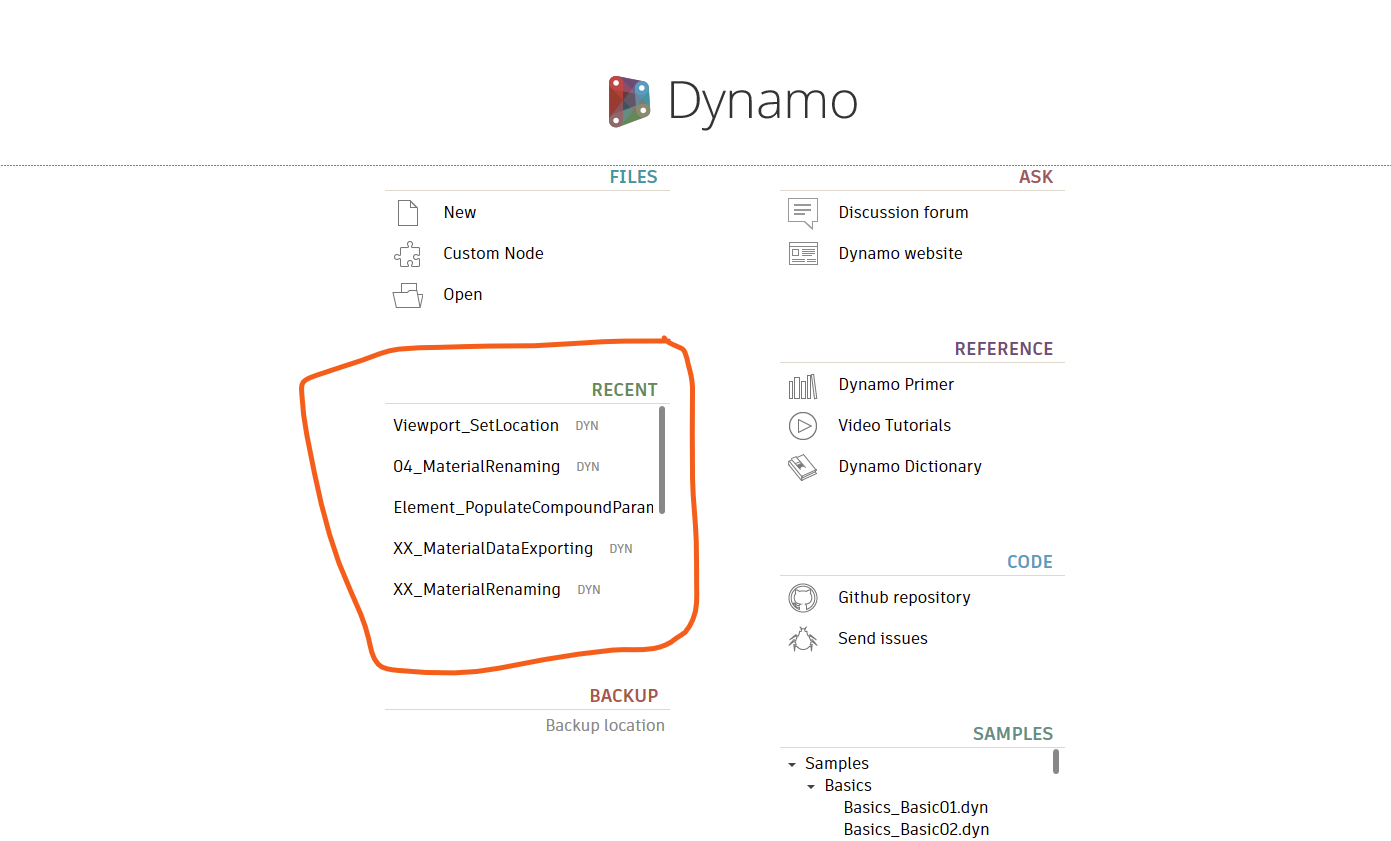
Thank you haganjake2 for your reply.
When I would have saved the script before going to the starting page your sulotion will work.
I often forget to save before going to the starting page. Now I have to close Dynamo or start a new script, wait for the pop-up to save the scripts thats open and than reopen it. Maybe there is an easier way.
I see, although I agree it would be nice to have a “Go back” button or something like this, it does not exist.
I would therefore simply recommend not forgetting to save your scripts 
Just as an FYI, you can Save your “current” file from the home page. So Save and Open Recent would be a pretty valid workaround, though I do agree it’s a little weird that Dynamo allows this functionality without any warning.

1 Like
it’s dangerous, but at the same time good for learning and repetition ;)))
And if you accidentally close without saving / crash you might be able to recover from backup
%APPDATA%\Dynamo\Dynamo Revit\backup\backup.DYN
2 Likes