I have a defined polyline by points that I want to offset, was able to offset polyline but I can’t find a way to not have it not use the defined polyline already inserted into the dwg by script without it
re-insert the previously defined polyline again when I use the offset script.


How about exporting the existing point coordinates to Excel to use as a boilerplate later?
Hi,
I don’t quite understand—correct me if I’m wrong—why don’t you create the polycurve geometry, offset it, and then create the polyline?
A.C3D,
I guess I could, didn’t think about that, originally the script was just for inserting planning project geometry, it wasn’t until I was done one someone asked about adding the taxiway safety area limits. I’ll try flipping the sequence.
Thank you.
1 Like
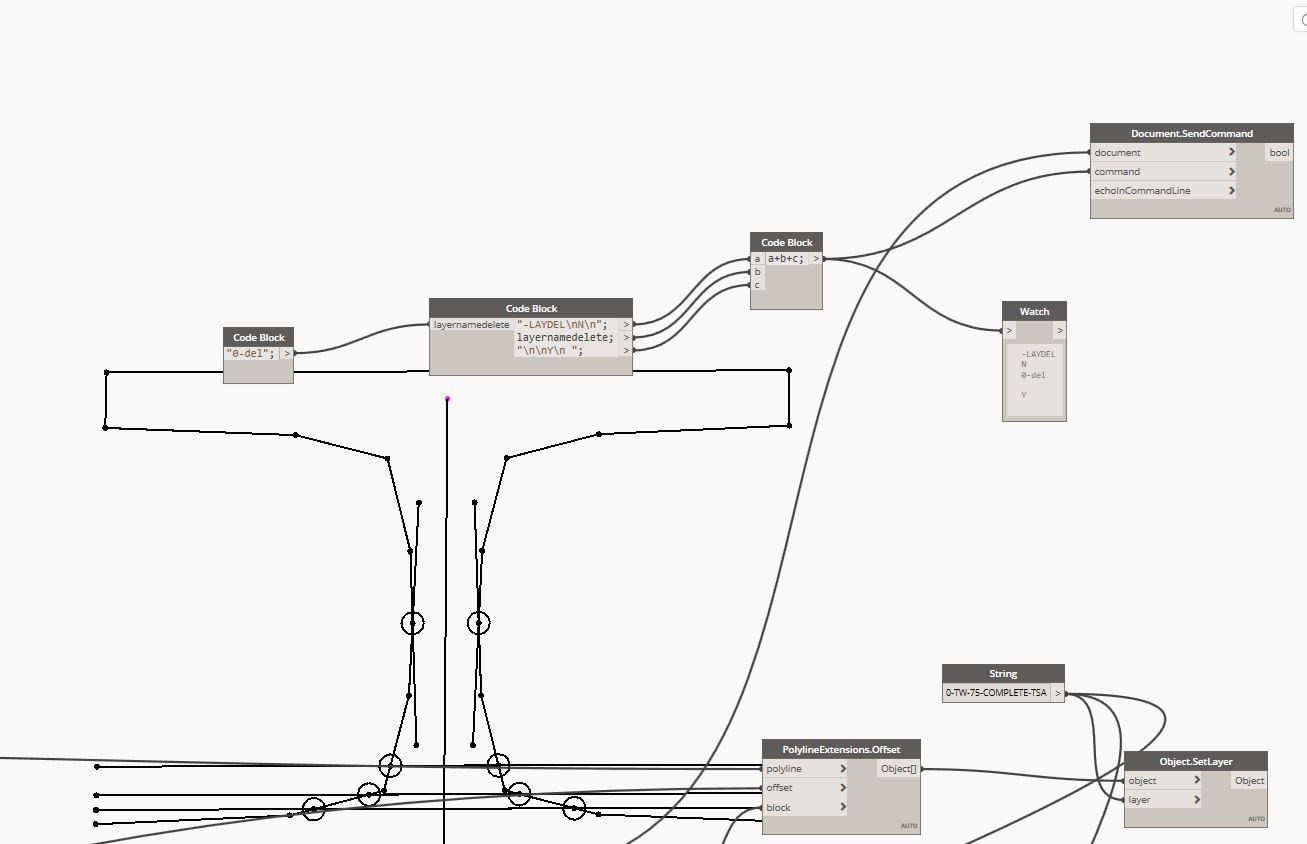
The script option to add offset poly only uses a limited portion on the geometry so I placed the defined polyline used for the offset on a different layer and used a send command to delete that layer. it works, but you’d think you could do the same with a defined polyline.delete.
Thank you.
This is the best option. You get the unwanted polyline because you’re creating it in the drawing just so that you can use a C3D method to duplicate it with an offset. Just manipulate the geometry before creating it so you only end up with the one instance. There are core Dynamo nodes that do the same thing.
1 Like
Thanks Nick, I’ll try reworking that section.
Thank you,
Thanks A.C3D and Nick,
Think I got it, sorry A.C3D, I didn’t understand what you meant by
“create the polycurve geometry, offset it, and then create the polyline” until Nick explained it.
I’m still new to this and keep flipping polyline, polycurve and curve in my head and between dynamo and what is inserted into cad.
