After several requests from friends and colleagues, I’ve decided to start sharing videos on Dynamo. In each session, I’ll be creating a Dynamo script while explaining key concepts along the way.
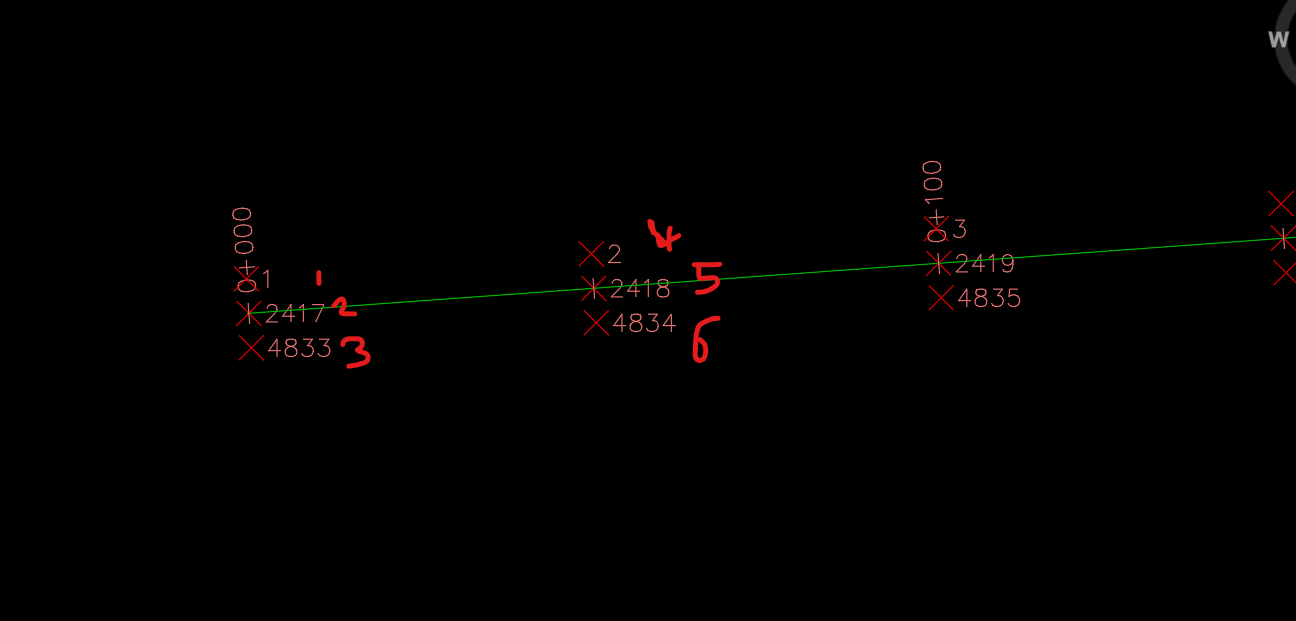
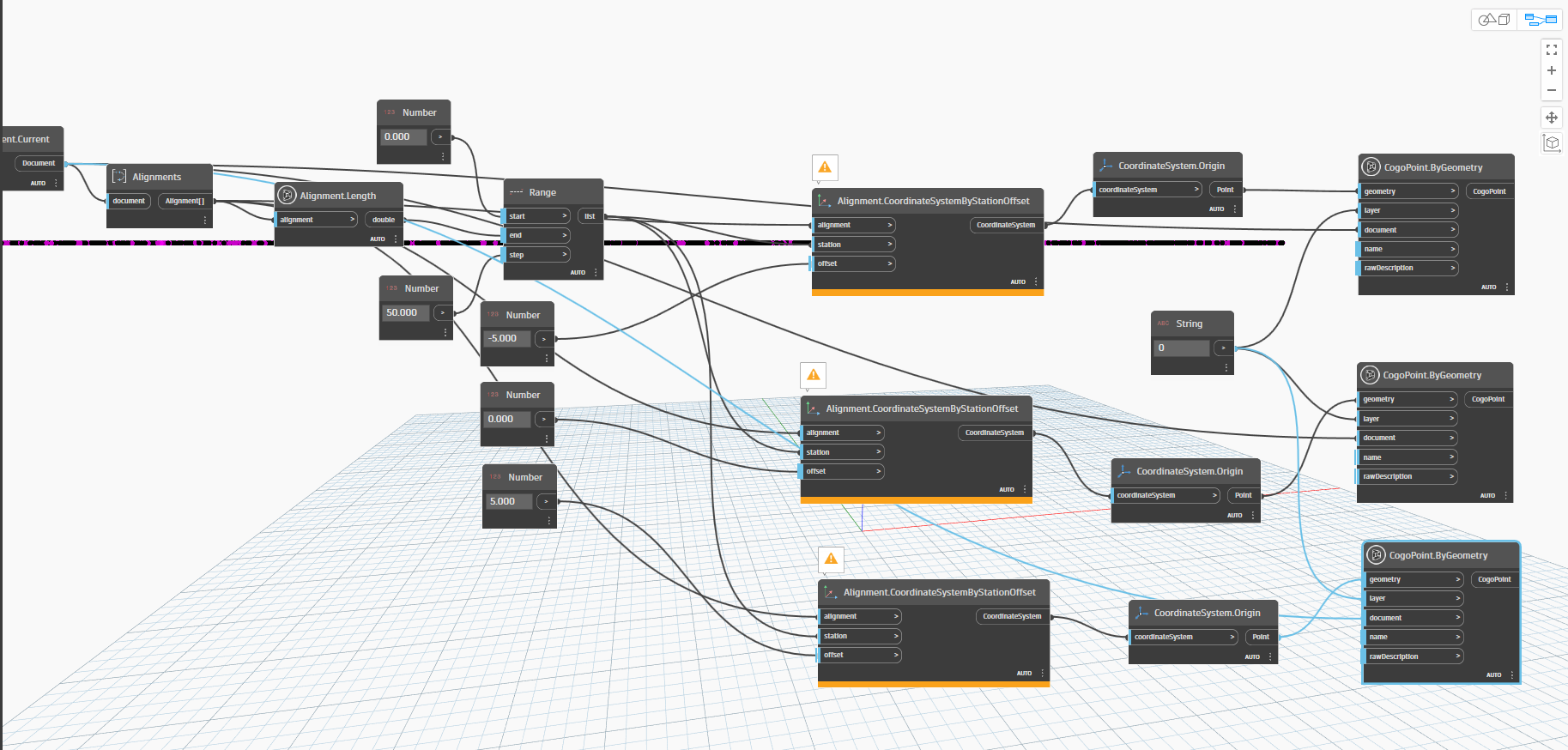
In this session, I have created sceipt to create COGO point on know station and offset along an alignment. Through this, I’ve covered the following topics:
- Reading station-offset data from an Excel file
- Understanding lists and how they work
- Exploring levels in input nodes
- Performing basic list operations
- Reading an alignment from Civil 3D
- Placing COGO points at specified locations along the alignment
I hope you find this session helpful. Stay tuned for more practical and concept-driven Dynamo tutorials!
Dynamo Script-COGO.dwg (1.9 MB)
COGO.dyn (29.2 KB)