Thank you very much for your work on Camber!
I’m a cad tech with little programming experience but I’ve been able to hack together some useful scripts. Reading the description of the GeneralSegmentLabel.ByObject it sounds like it is capable of labeling multi-segment feature lines. I’m assuming it can add a label at the midpoint of each segment but am failing to understand how to set it up or implement a ratio range of [0,n]. Currently my script only creates one label per feature line. Any pointers would be greatly appreciated.
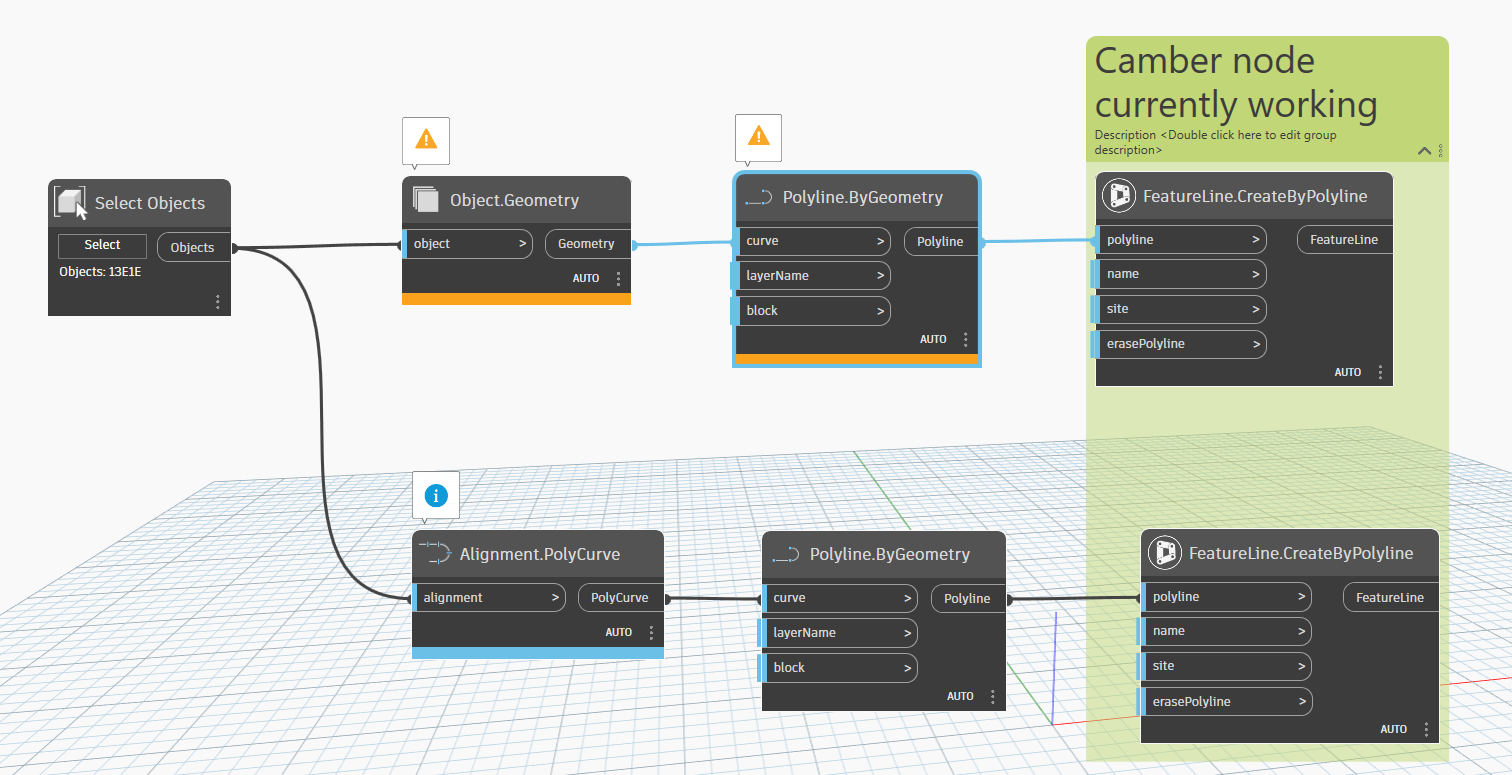
I’m new to Dynamo. I’m trying to build this script from scratch using the latest versions of Civil 3d Toolkit and Camber. But I can not find the “featureline.byobject” node anywhere in my search. I don’t understand what I’m missing.
@DanielYin311 if you’re using latest versions of Civil 3D, you won’t need the FeatureLine.ByObject node. You can just select the feature lines and then proceed with the rest of the graph.