Diving further after this topic and as an alternative to the solution Thomas provided, I found a node from the amazing archi - lab package, that lets you select elements from linked models directly and returns the total transform as well:

you could then get their geometry and use the transform to get them on their right location:
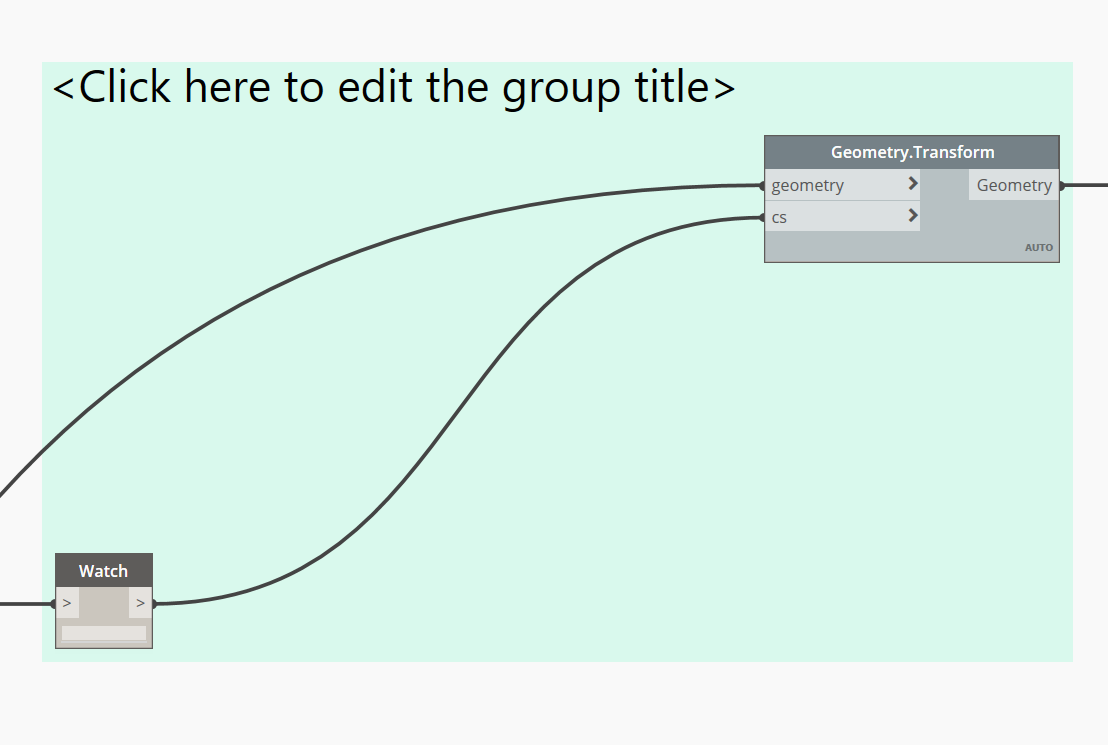
Just thought it might come usefull to you, for me this workflow works quite well.
Based on SelectLinkedElements node, I created a simplification of the code, that lets you select only a link instance and returns its transform, might be usefull to you also:
"""
based on a simplification of the
SelectLinkedElements node in archi-lab package

original copyrights:
Copyright(c) 2017, Dimitar Venkov
@5devene, dimitar.ven@gmail.com
www.badmonkeys.net
"""

import clr

clr.AddReference("RevitAPIUI")
from Autodesk.Revit.UI import *

clr.AddReference("RevitAPI")
from Autodesk.Revit.DB import RevitLinkInstance

clr.AddReference("RevitServices")
import RevitServices
from RevitServices.Persistence import DocumentManager
doc = DocumentManager.Instance.CurrentDBDocument
uidoc = DocumentManager.Instance.CurrentUIApplication.ActiveUIDocument

clr.AddReference("RevitNodes")
import Revit
clr.ImportExtensions(Revit.Elements)
clr.ImportExtensions(Revit.GeometryConversion)

sel1 = uidoc.Selection
ot1 = Selection.ObjectType.Element
ot2 = Selection.ObjectType.LinkedElement
li_ref = sel1.PickObject(ot1, "Please, select a link instance.")
link1 = doc.GetElement(li_ref.ElementId)

if isinstance(link1, RevitLinkInstance):
	OUT = link1, link1.GetTotalTransform().ToCoordinateSystem(True)
else:
	OUT = 'Link instance not selected...100 tei prai6'
Cheers