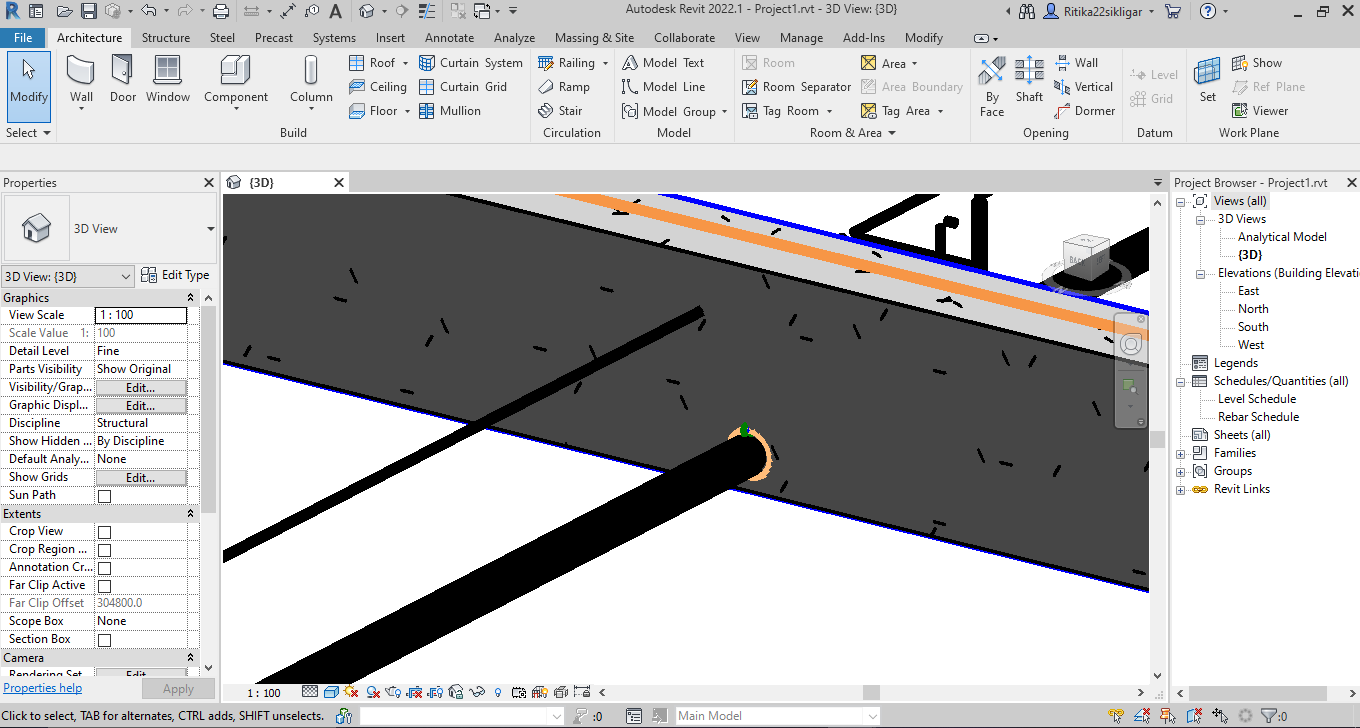
I’m Working on a Script for model who has 2 linked files 1 has the structural framing & 1 has the pipes i placed the sleeves at the location of beam & pipe intersection, i want to Cut the geometry of structural framing to the sleeves so the cutting elements are Sleeves & Elements to be cut are Beams, in script it shows that node has cuted the beams but in models i can see any cut, it’s revit 2022


Hi @Ritika22sikligar dont think you can cut in a link…it has to be done in active document
@Ritika22sikligar the beam is in Active file or the link file…??
As someone who works on the structure-side, I would be very unhappy for you to cut my beam at that location, which is a good reason why you shouldn’t be allowed to cut linked models.
If you are looking for a way to exchange openings between models, check-out the convoid add-in from conclass.
I developed some scripts which do the same things, minus a few features, but it took me years to develop in dynamo.
If you want some guidance on how to do this, I can give you a broad overview and try to help from time to time…I’m sure others will help too.
But at the end of the day, the time and effort you put into your scripts, will certainly be more than the money spent to buy an already robust Solution like convoid.
And as a disclaimer, I have NOTHING to do with convoid. I installed a test-version once, but never actually used it. I do know that at least one very international architecture office uses it widely in their office. Through my contact with them, I am aware of it…and am impressed with what it offers.
both are the linked files
@Ritika22sikligar please try to keep the structure file as Active document. as @sovitek also mentioned it has to be done in active document.
Regards,
BM
thanks that worked