So I have been following a Youtube tutorial dated back 4/5 years which uses Element.View node to list the selected element appearing in the Revit sheets. BTW this node belongs to Orchid custom package and when download in Revit 2024 version the node does seem to appear or missing. Does anyone know what I am doing wrong or have an alternative way to do this.
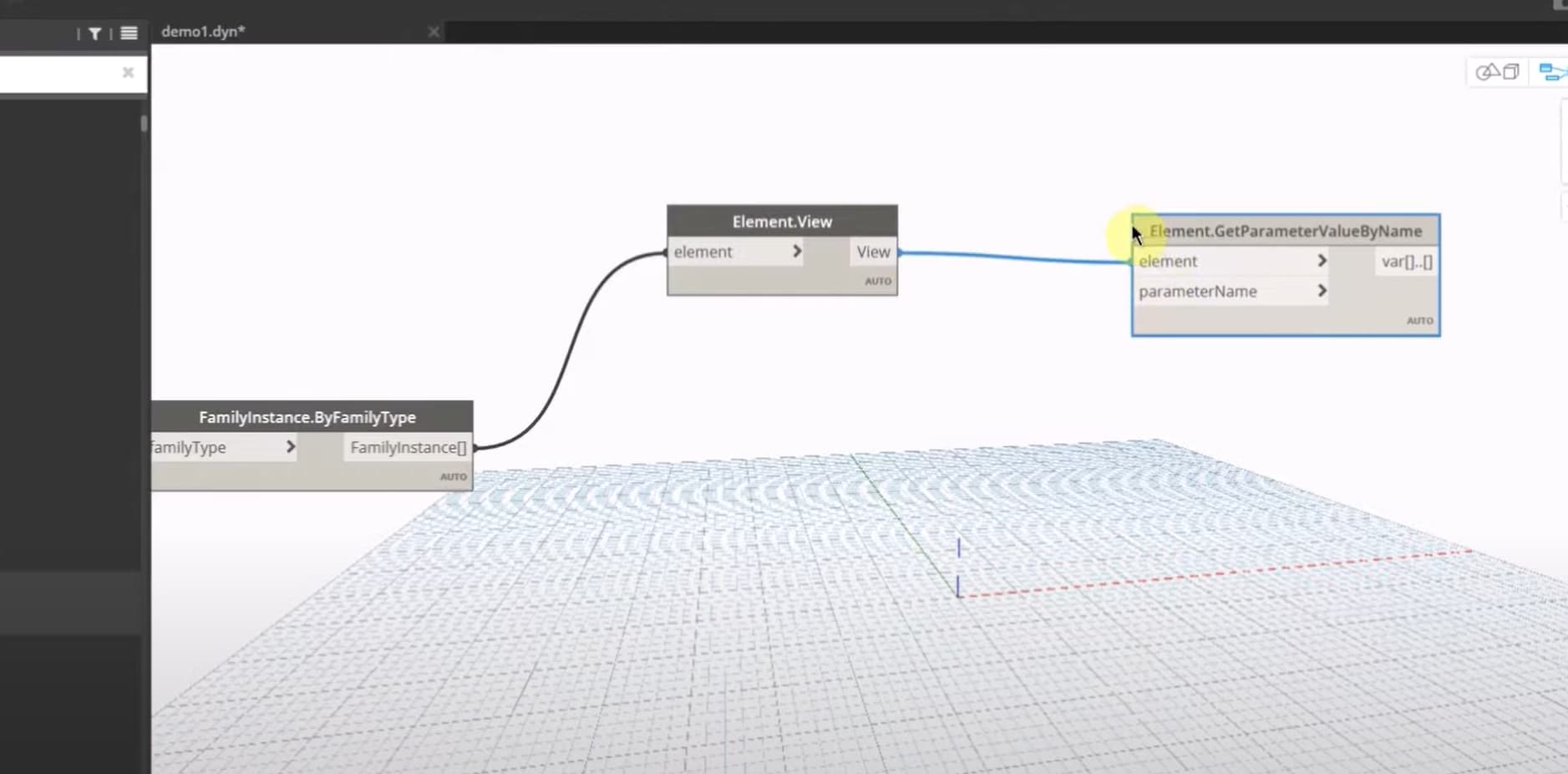
Can you explain the full workflow of what you’re after? There are probably alternative methods to accomplish what you’re looking for.
definitely share more info like @Nick_Boyts said.
If you are working with view-specific elements clockwork does this:

Hi Nick,
Thank you for showing interest and much appreciated.
Basically what I am trying to achieve is to get rid of all the sensitive project information from the drawings titleblock of designer model before handing it over to the contractors. The tutorial is not exactly meant for this purpose but it teach to update the titleblock in every drawings. I think based on my new learner mind he is trying to create a script on how many sheets does the titleblock contains and use an unused parameter as an reference to identify the sheets and update it. Hope that make sense.
Hi John,
Element.OwnerView node seems to be similar function to what I am after. Could you please tell me if this is revit out of the box node or download it from external package?
So why not just delete all the sheets?
Seems like All Elements of Category > Element.Delete will make short work of it. I’d go a step further and delete all views except for one drafting view showing your model release in a text note, and then purge unused.
If you just want to swap the title blocks you can do FamilyType.ByName > Family.Types > List.Flatten > All Elements Of Family Type > Element.SetParameterByName to set the titleblock to a generic one of your choosing. Or even just delete it if that is your goal.
All of which is silly if you ask me though; your titleblock is easy enough to get off the PDFs which are likely already in the public realm as a result of permitting and such.
Or just place a 3d view on a blank sheet (no titleblock). Right Click > Save to New File. All 2d stuff GONE!
Clockwork package and (if in Revit2025) IronPython package
But there is no Dynamo in that!
(Honorable mention to etransmit tool goes next)
I kinda feel I gave out too much information now it has backfired back to me lol.
Joke aside… I do appreciate what you’re saying and surely the pdf has giving in. Anywho I think I probably missed to explain it in wholesome - the subbies requested for all the drawings available to save them time to create and annotation and make it their drawing. Thus looking into the dynamo to update 100s of drawing in one click.
Do you have multiple page sizes in the project? Or just one?
Multiple
So there isn’t an easy 1:1 effort here, as swapping all title blocks for another will require knowing what the old and new want to be.
Do you have a replacement titleblock for each existing?
There is template of the titleblock and you have to manually populate the parameters with the project information. All I am looking to do is clean up all the project information in all the drawings.
What would be left then? “All project information” is wildly vague and almost certainly inaccurate. You need to be specific about what information you want to remove and from where. Is it just title block data or does that include the sheet too? Is it specific parameters only or is there additional metadata that needs to be removed somehow? All of these questions are required to know what has to be done to meet your requirements.
If you just need to blow out the title block data then maybe all you need to do is modify all instance and type parameter values to be empty or default values (presumably keeping sheet name and number) and potentially removing logos/seals/etc from the family.