Is there a way to access elements in all linked-in models for a single export?
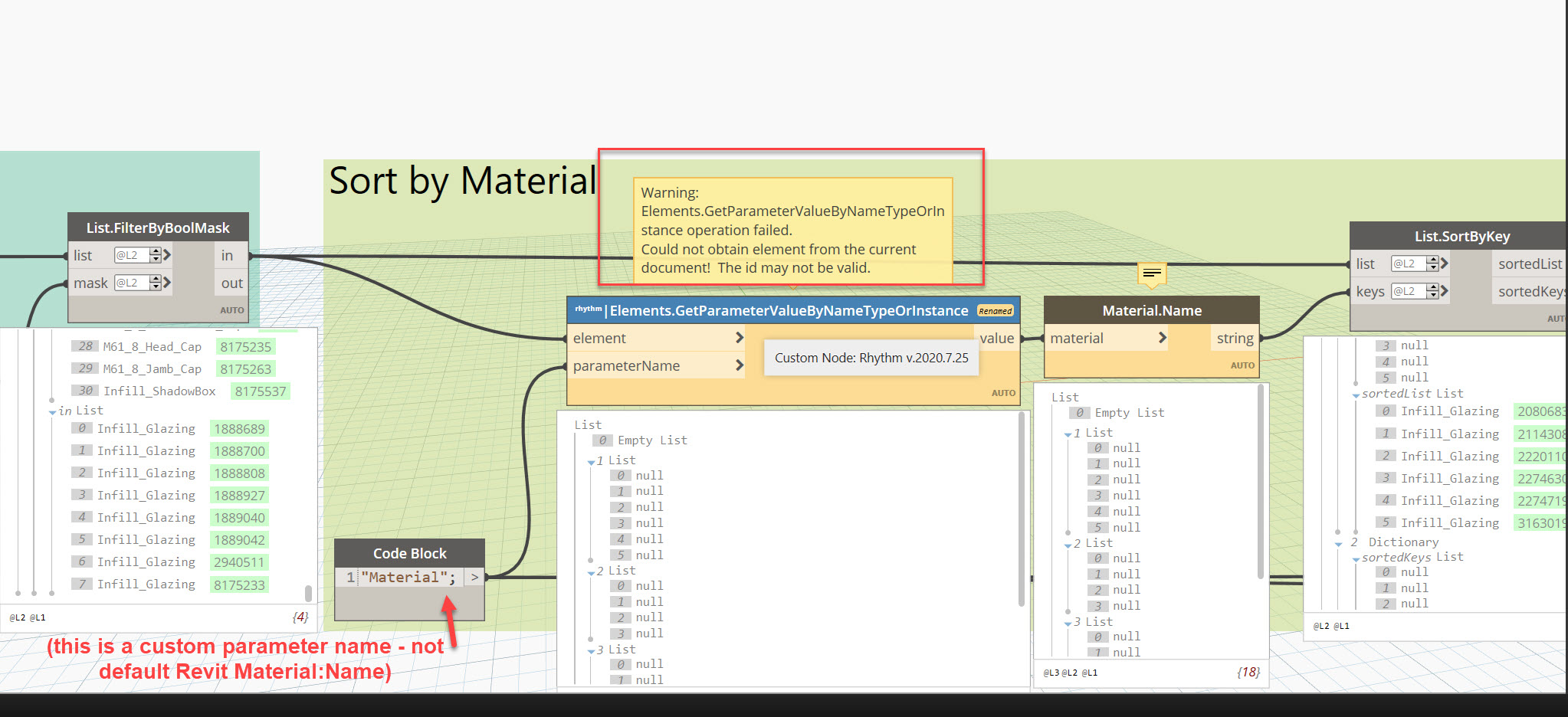
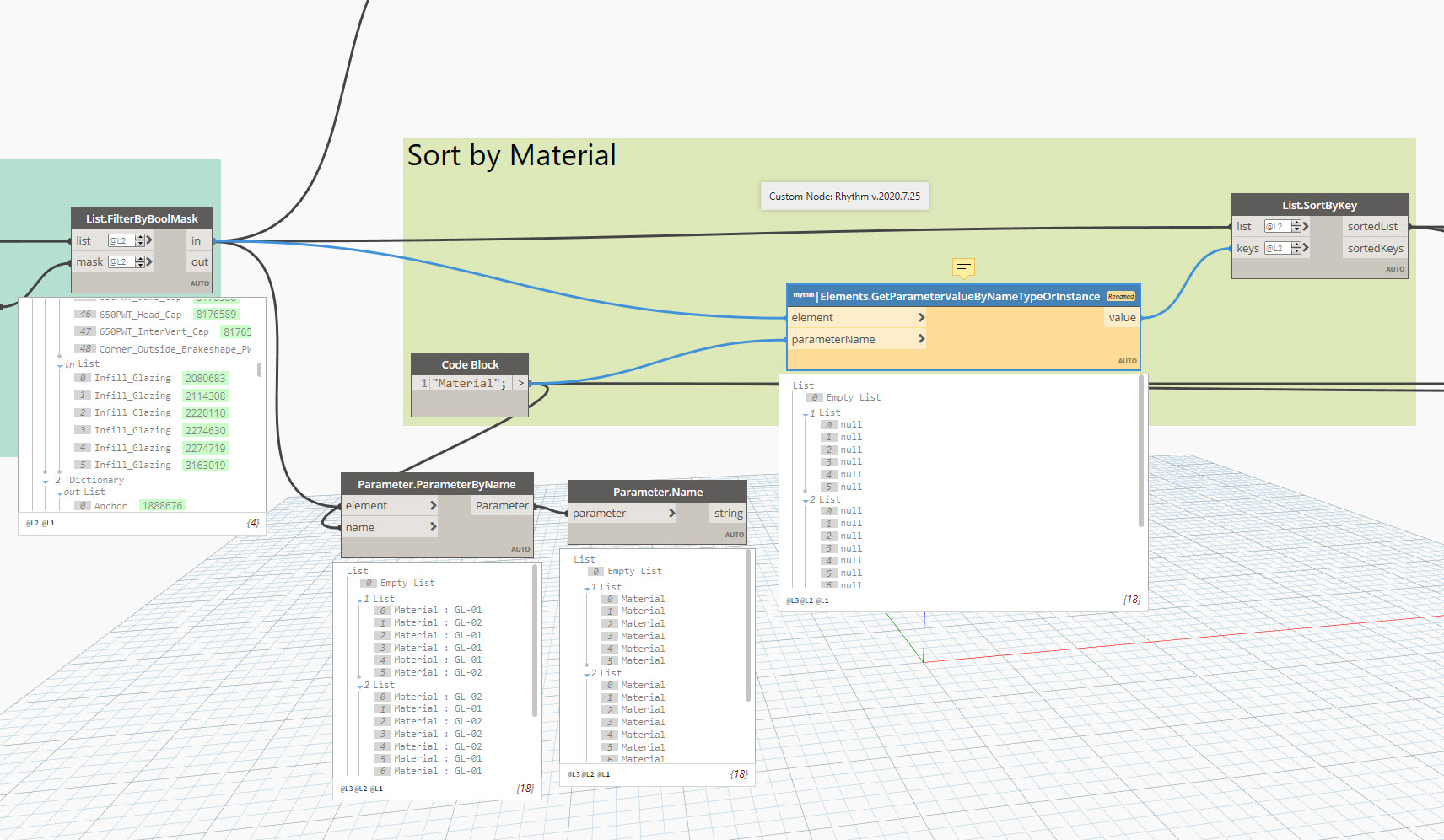
I found a post in the forum from January 2022, but I’m not having any luck. (I can’t find some of the nodes shown, so I tried a different one, as shown in one of my screen shots.)
note this seems to be an issue with Materials, but I am able to get access to other parameter values.
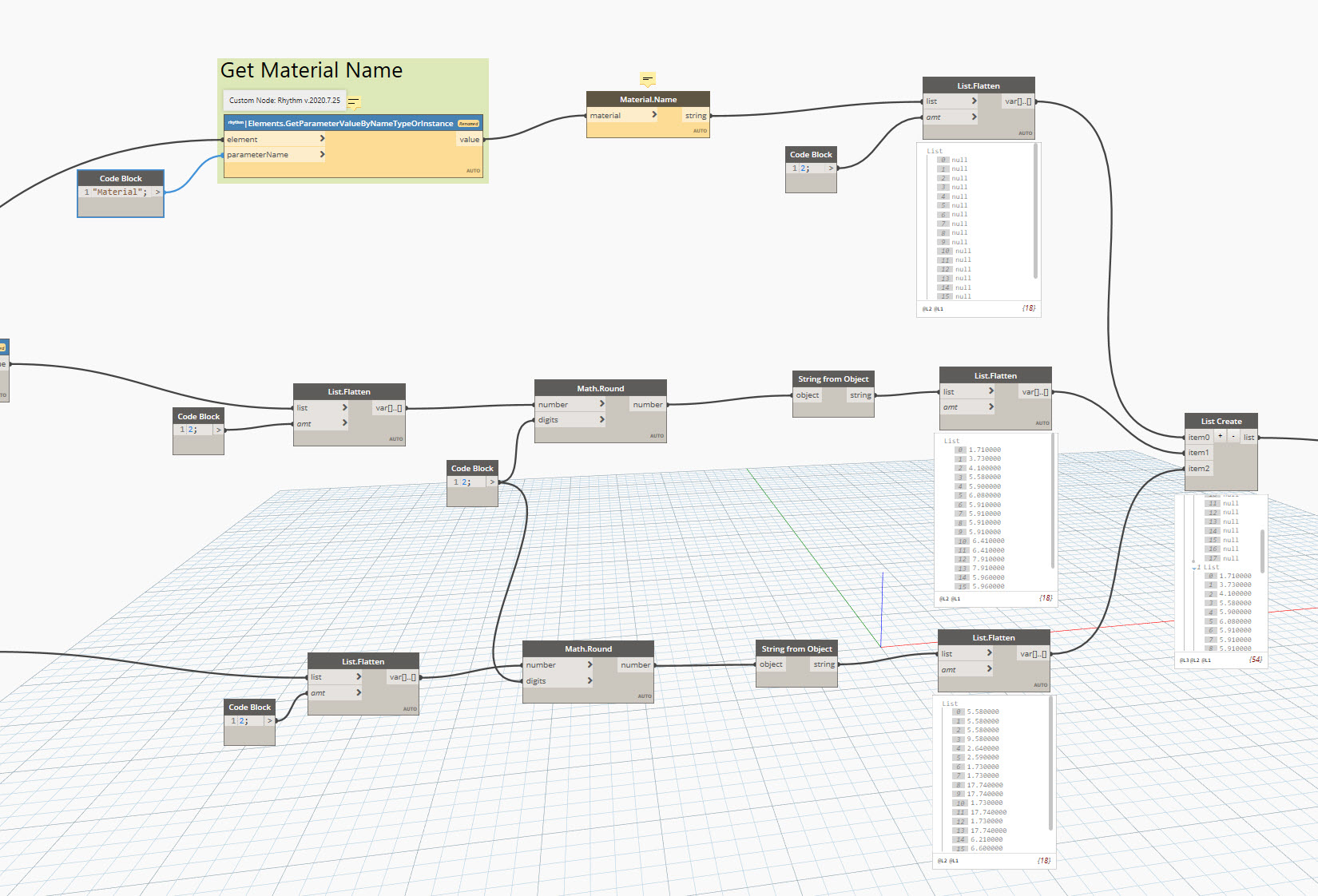
I can get the data via a schedule in the host file, and the node setup works when I run the script in the individual model files. Saw lacing mentioned, but I still don’t have a complete understanding of it - I haven’t needed to change it in our other scripts.
Scenario: I want to run a single script to get data from a file into which three separate building models that have been linked, without having to select anything - just get all linked models and get down to the data within.
Example, I want a single export that groups all the glass materials and sizes as one summarized list, not broken down by each building.
What else can I try, or what am I missing in my sample?
Thank you!
The warning actually tells you the issue: the element can’t be found in the current document. You can absolutely get all the elements and properties from each model, but that node is doing something that requires a document and it’s set to only use the current doc. You either need to use a method that doesn’t require the element’s host document or a method that would allow you to provide the host document.
If you know that the parameter is specifically an instance or type parameter then you could just get the value directly. Or you could try both locations and then use the one with a value.
Hi Nick.
Thanks for your response. I think I added to my post right when you were responding - I added that this seems to be an issue only when it comes to the Material parameter I use.
I am able to get other data from the linked-in models.
Not sure if that changes your response, but putting it out there.
Thank you!
Are you still getting the same error? Are you getting values for any elements from linked models? It could be that one or more links has multiple parameters named “Material” which would cause problems.
The best option is still to just use the out of the box GetParameterValueByName with the appropriate element.