Hi everyone. I am trying to create a script in Dynamo. I have two “cones” that intersect along a certain line. My goal is to have both cones cut by this line and to remove the part of both cones that is below the plane of the second cone (the darker area in photo 1). The cones are polysurfaces and the cutting line is a polycurve. I break the polysurfaces into surfaces and try to use the geometry.split command with the polycurve as the cutting line. The results are not satisfying. I get two sets of surfaces with no visible division relative to the cutting line. I am attaching the script and supporting images.


I think you can use Geometry.Trim here. Geometry is both codes, cutting entity is the reversed list of cones, pick point is the midpoint of the line.
Sorry for replying so late, but this is a task I’m doing on the fly. I did as you described, except that I get a set of surfaces from both polysurfaces without a clear division into surfaces cut by the cutting line.
I would like to upload my dynamo file, but I can’t do it. How can I get around this?
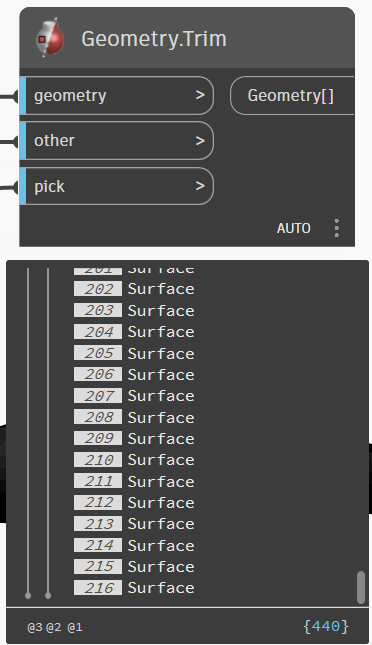
Sorry for replying so late, but this is a task I’m doing on the fly. I did as you described, except that I get a set of surfaces from both polysurfaces without a clear division into surfaces cut by the cutting line.
I am attaching the script.
!EK_Ochrona_odgromowa_metoda_kuli.dyn (360.5 KB)
Don’t have your Revit model so I can’t do much of anything with your graph.
Here is the basic graph:

It appears that you may have two two polysurfaces instead of surfaces, which may be complicating things. Can you expand your previews or put a Data.Remember into place so that the graph can run without needing the model?
Of course a model is needed. Sorry, I’ll attach it right away. In Dynamo, I create a topography, and from this topography I create a polysurface to cut out the “common” areas. I also create a solid from my “cones,” but the “solid.difference” command does not work for them either.
Odgromówka Testy.rvt (8.9 MB)