Hello everyone! I am using Revit 2024 and dynamo. How do I set up a script to select a region of a topography, extrude the contour and assign it to a family as a generic mass?
What have you tried so far? What parts do you have worked out and where are you struggling? Have you looked at similar topics for suggestions? You need to show some amount of effort before we can help move you forward.
Good morning. Until now, through Revit 2019 or 2022, I have used this kind of script which worked because for the surface there was the possibility to create a sub-region. In Revit 2024 there is no such tool, but there is the possibility to do ‘subdivide’ which directly creates a solid. From this stage I would not know how to proceed. Or rather, I think that the process I was doing before is not necessary, I should try directly to convert, if possible, this solid part into a generic mass ?
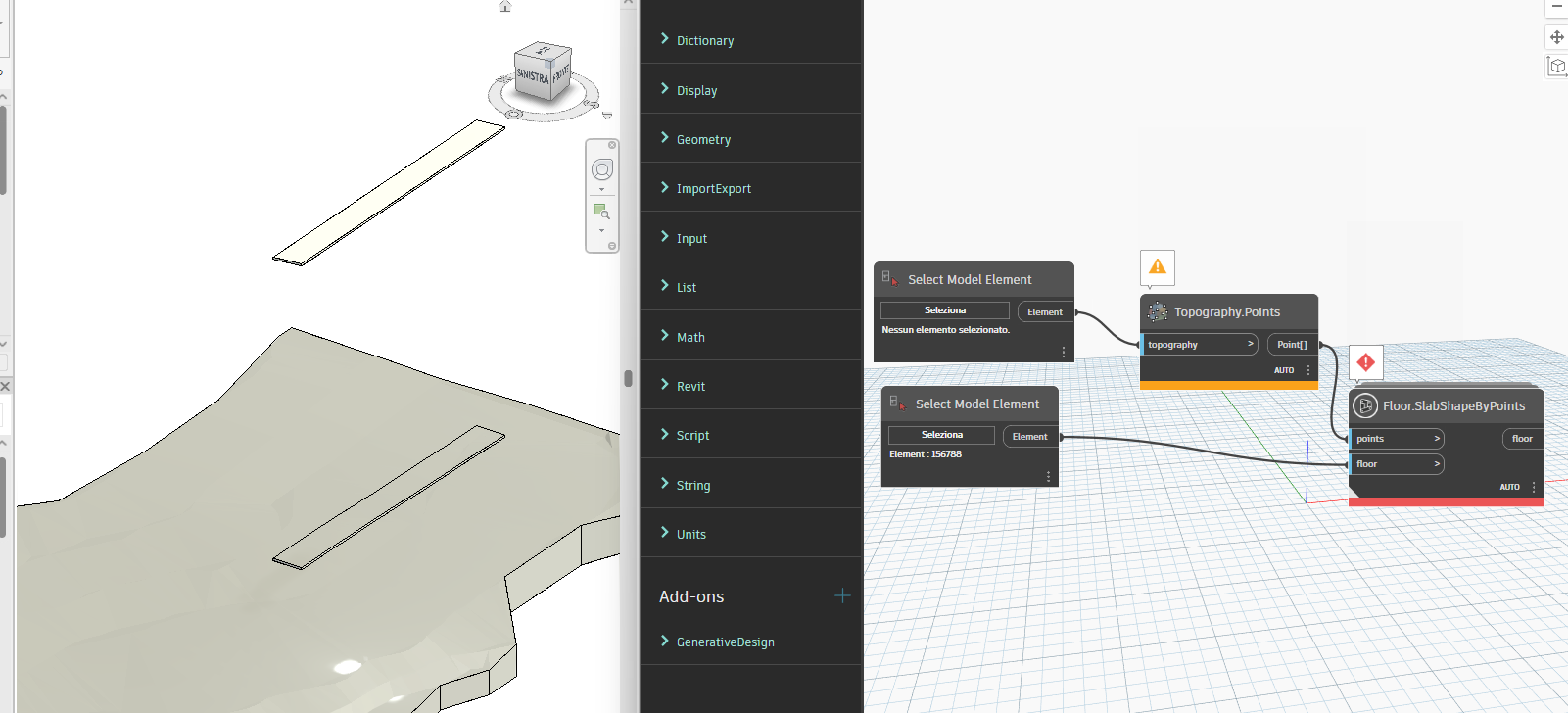
What do the warnings say? It seems like you’re missing a package for the last node.
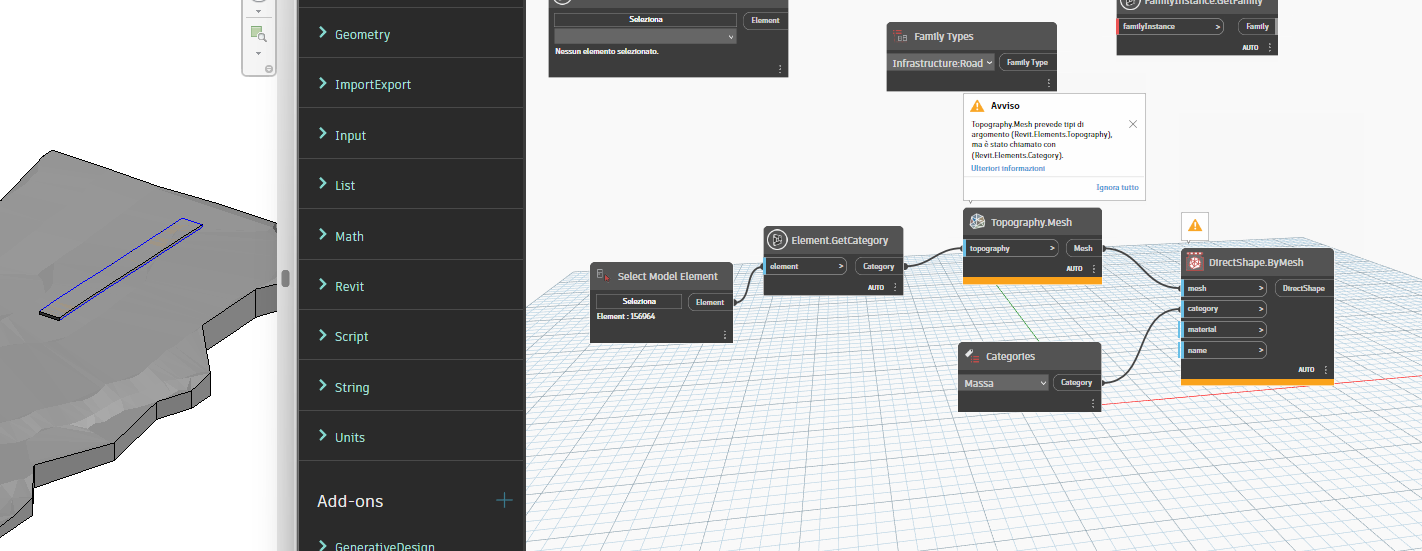
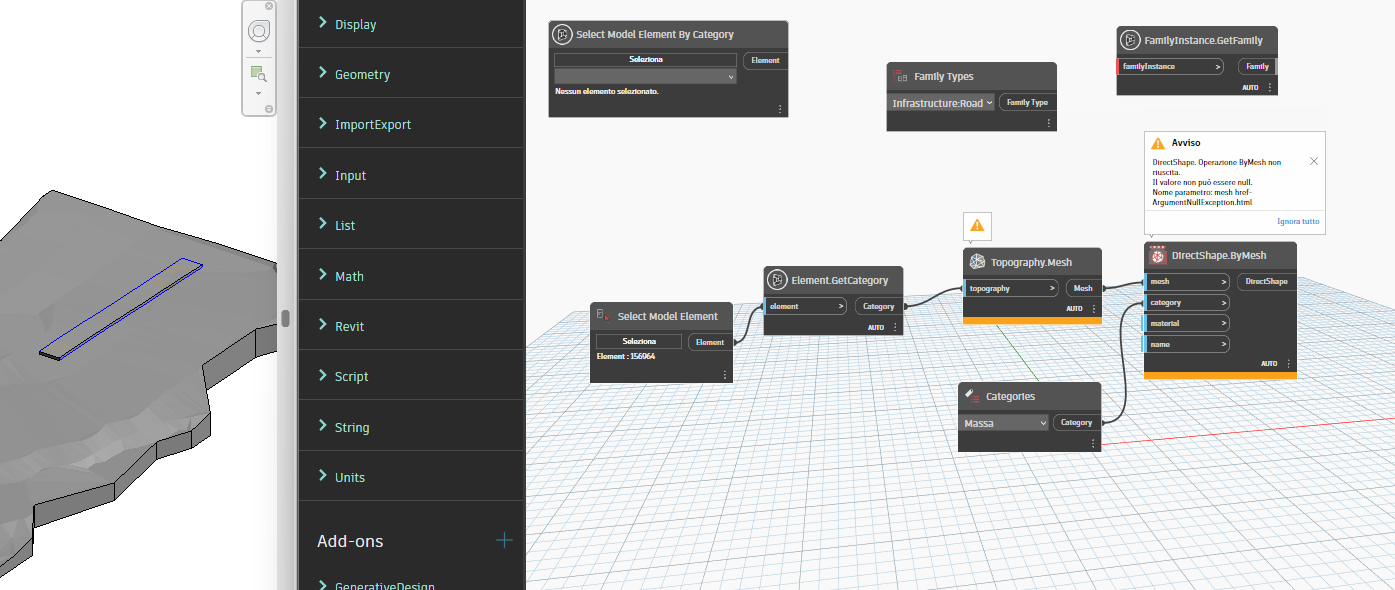


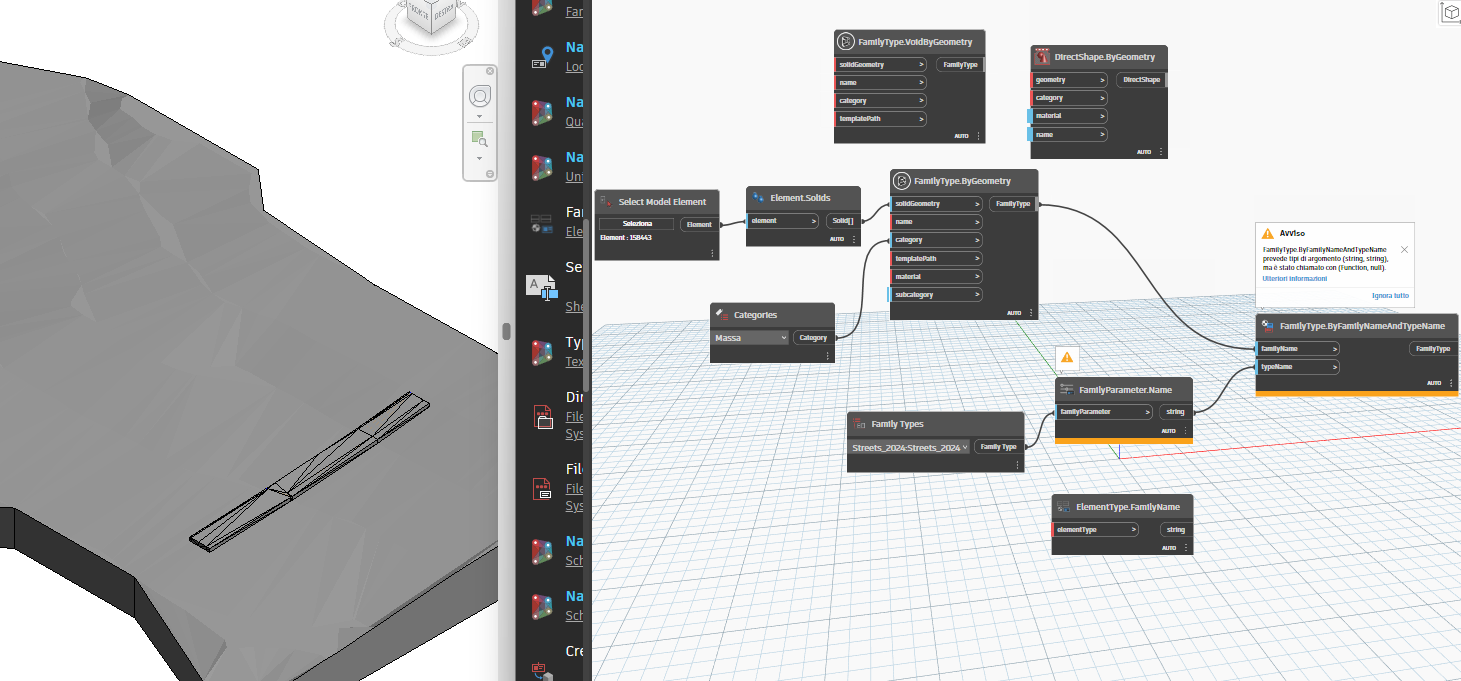
What do you mean by “link it to a family”? If you have a specific family that you want to use then you need to create an instance of that family. If you want to create in-place geometry or massing then that’s essentially what you have.