Hello friends, thank you for your contributions, I am using revit 2025 but it does not generate the steels, I get this error, I hope you can help me, thank you

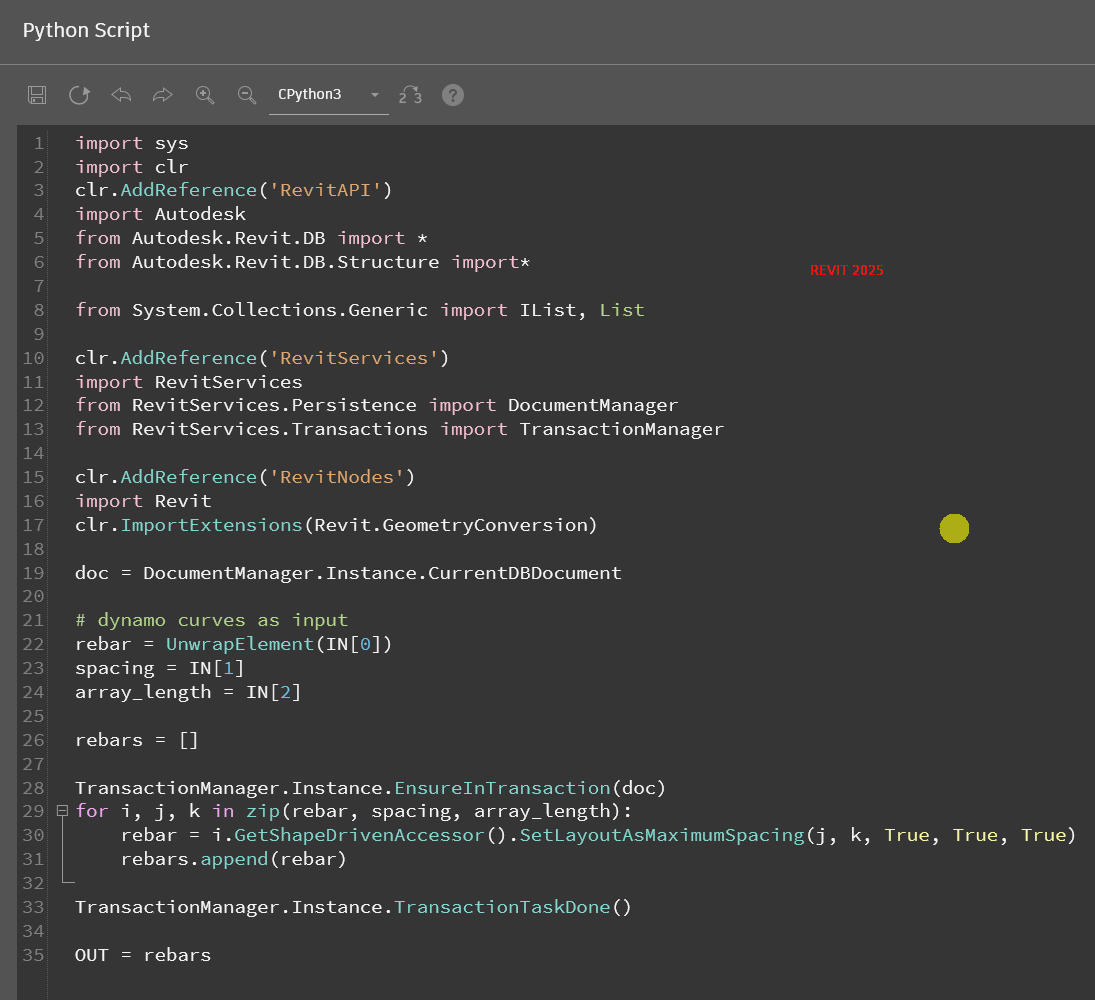
CODIGO:
import sys
import clr
clr.AddReference('RevitAPI')
import Autodesk
from Autodesk.Revit.DB import *
from Autodesk.Revit.DB.Structure import*

from System.Collections.Generic import IList, List

clr.AddReference('RevitServices')
import RevitServices
from RevitServices.Persistence import DocumentManager
from RevitServices.Transactions import TransactionManager

clr.AddReference('RevitNodes')
import Revit
clr.ImportExtensions(Revit.GeometryConversion)

doc = DocumentManager.Instance.CurrentDBDocument

rebar = UnwrapElement(IN[0])
spacing = IN[1]
array_length = IN[2]

rebars = [ ]

TransactionManager.Instance.EnsureInTransaction(doc)
for i, j, k in zip(rebar, spacing, array_length):
    rebar = i.GetShapeDrivenAccessor().SetLayoutAsMaximumSpacing(j, k, True, True, True)
    rebars.append(rebar)

TransactionManager.Instance.TransactionTaskDone()

OUT = rebars
Please use the <\> code format when posting code
The zip(rebar, spacing, array_length) function is expecting three iterables such as a list. Ideally these are the same length, otherwise the data will be truncated
It appears one of the inputs, which are unknown as you have not provided the information, is not a list (or iterable) so the zip function cannot process the given variables
When you get a spare moment take the time to read How to get help on the Dynamo forums
Thanks friend, I will keep it in mind
Hi friends, if they work from 2020 to 2025 (it may not work for you because of the units, update Python 3 or maybe it’s the polycurve), I work with the structural design package. For Revit 2026, if it doesn’t work because the author is pending an update.
DYNAMO REBAR
Hola amigoS si funcionan desde 2020 hasta 2025, (puede ser q no te funciones por las unidades, actualiza python3 o quizás es la polycurva) trabajo con el paquete de structural desing, para revit 2026 si no funciona porque está pendiente la actualización por parte del autor.
DYNAMO REBAR: https://www.youtube.com/watch?v=hZ6Xd24MYsY&list=PLnLXyPBhtlYZFae-89aEM1Sgaf0hO8bSO&index=1&t=63s

Hi @JOSECERVE in the future just answer in english as thats the
language here in the forum so everybody at least can understand…i guess  and good for seach ;)…PS now it had a solution is it always nice style show your solution, so it probably could help other as well cheers