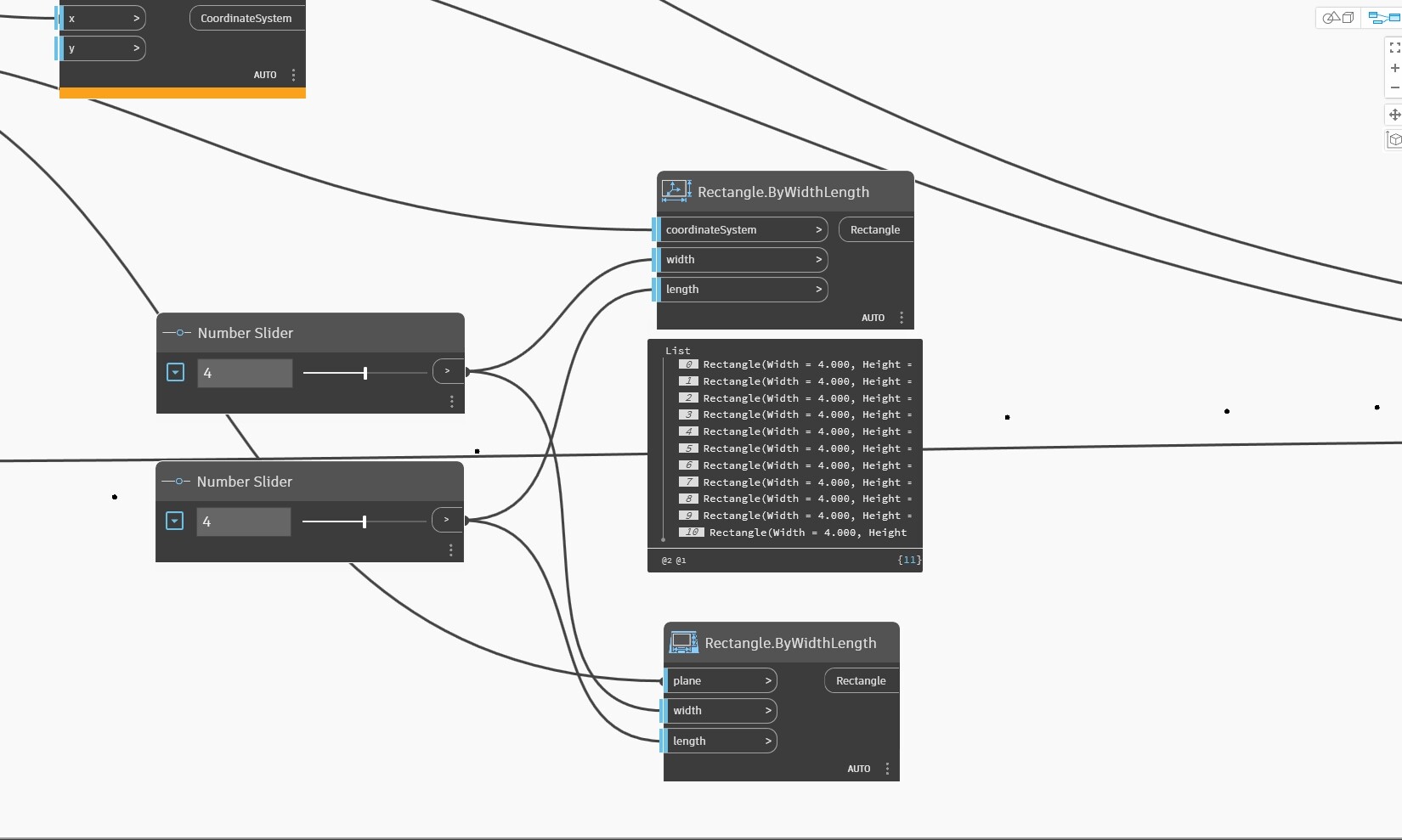
In C3D, adding text annotations by reading CSV data, but how to draw a rectangular culvert symbol and how to achieve this has been tested multiple times without success.
Can you help me? Thank you very much
C3D-Alignment.dwg (936.0 KB)
Civil3D_Alignment.dyn (80.4 KB)
Alignment-3.csv.txt (485 Bytes)
Hi @C3D-10086,
You can use the Object.ByGeometry node to create the rectangles as polylines from the Dynamo geometry.
Thank you. The rectangle drawing was successful, very good.
Continue to ask a question. How to draw straight lines at the four corners on the outside of a rectangle? Just like in the screenshot, it looks like a culvert..
Can you provide an idea or dyn? Thank you again for your answer.
Perhaps a silly question…
Why are you not using a Dynamic block for this? You’d get to take advantage of new features and capabilities downstream by doing so (i.e. count how many culverts you need, what size do they have to be, etc.).
After dynamic block stretching, the geometric center does not change, and inserting the shape will result in inconsistent lengths on the left and right sides.
How to make the geometric center of a dynamic block automatically change to a new position with stretching
block.dwg (56.6 KB)
You would need to change the block so that the action stretches both sides I suppose.
As @HenrikJ pointed out your dynamic block isn’t built right. I did a quick google search for “symmetrical dynamic block insertion point” and got a few promising looking tutorials dating as far back as 2010. Have a look and see what you can find as I’m sure you’ll get a better result in the near and long term with that method instead of drawing disconnected linework.
Thank you again, the dynamic block has been made and the effect is very good.
But how to modify the value of this parameter through Dynamo?
For example, the default length is 20
Now we need to set Length=20.6, Length=30, and so on
You should look into the Block and BlockReference nodes under the AutoCAD node group.
Here’s a quick representation of how you could edit a dynamic property:
Thank you very much. Following your guidance, it has been completed and implemented..
Thanks again.