Hi, I’d like to know which are the best nodes for converting CAD geometry into Revit families. I have a DWG file with many closed 3D polylines, and I need to define a new family or type for each geometry. I’m using a script, but it’s doen’t work. Could you point me in the right direction? Thanks a lot.

Two nodes: FamilyType.ByGeometry > FamilyInstance.ByPoint
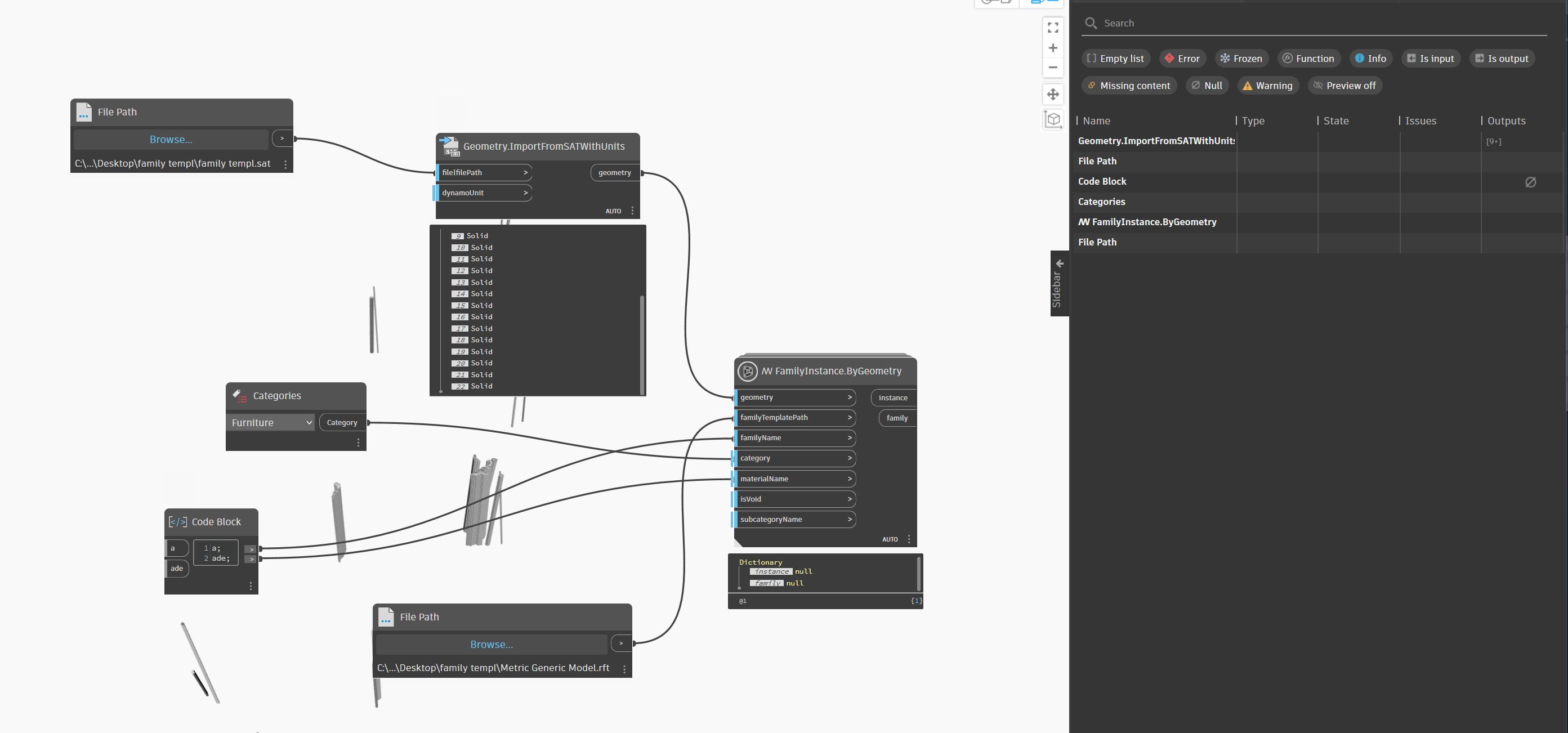
The export to SAT is not helping anything.
- Build the Geometry in Dynamo.
- FamilyType.ByGeometry to create a family in the active project using the solid from the previous geometry. Each solid is it’s own family type, so union if you only want one family instance for all the geometry.
- FamilyInstance.ByPoint to create an instance of the family. Use the previously created family type as the type input, and the minimum point of the bounding box for the geometry which created the family type as the insertion point.
If that isn’t working, you need to show how/why/where. Provide a source rvt and your dyn to troubleshoot with (build the rvt form scratch to only provide a few samples, in a minimum file - start with no template to ensure you have no content in the file beyond what is needed).