Hello,
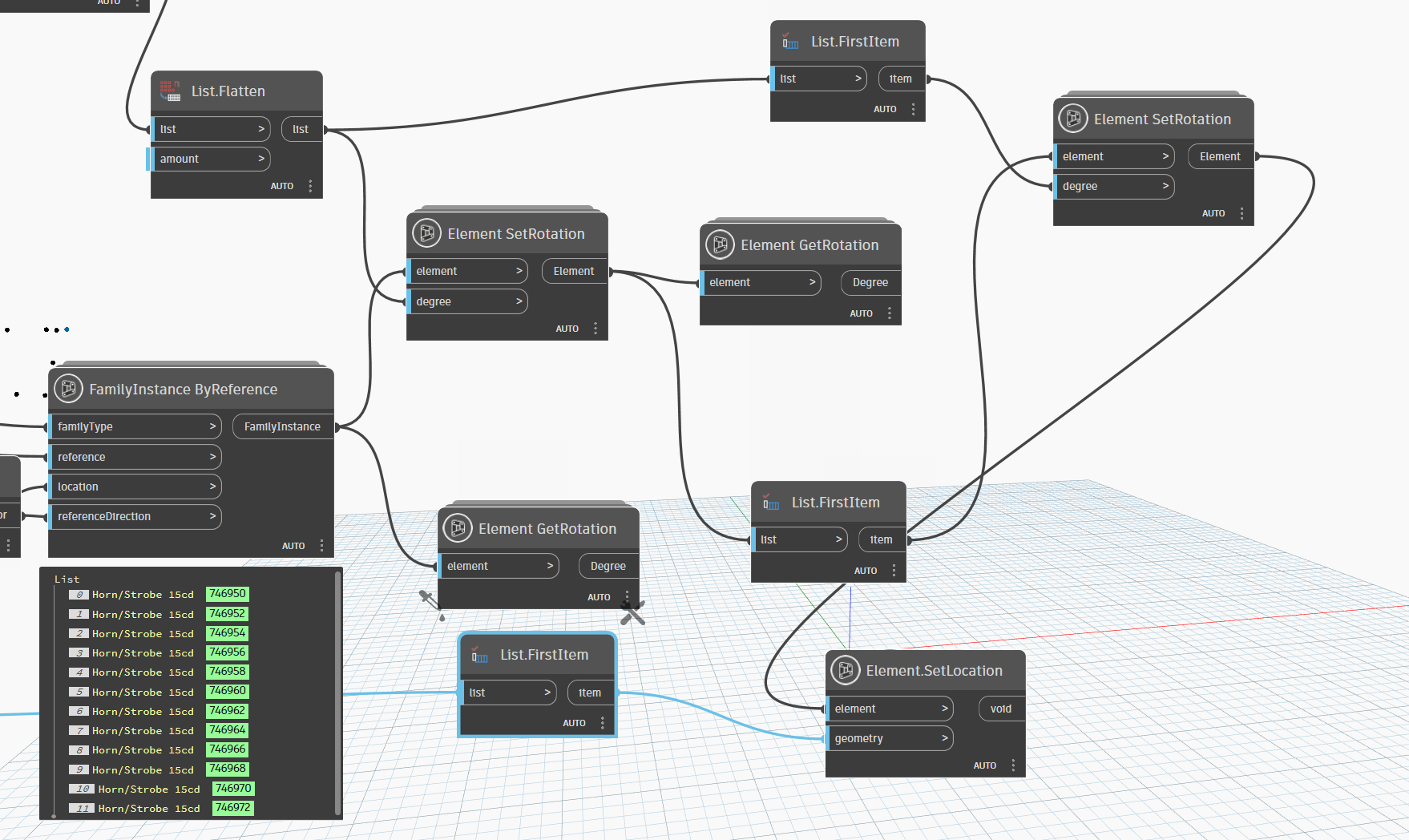
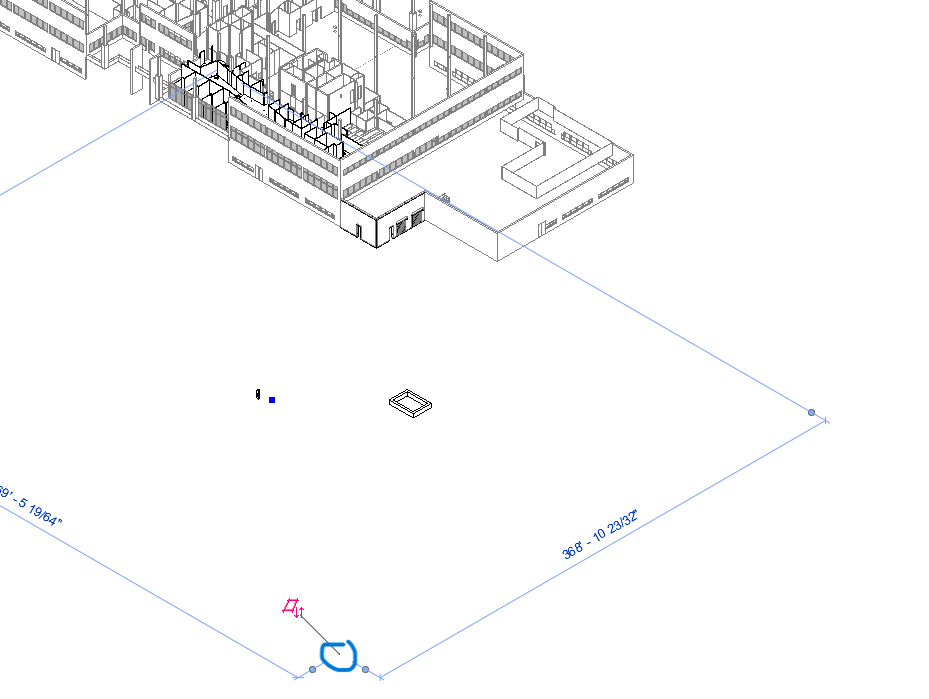
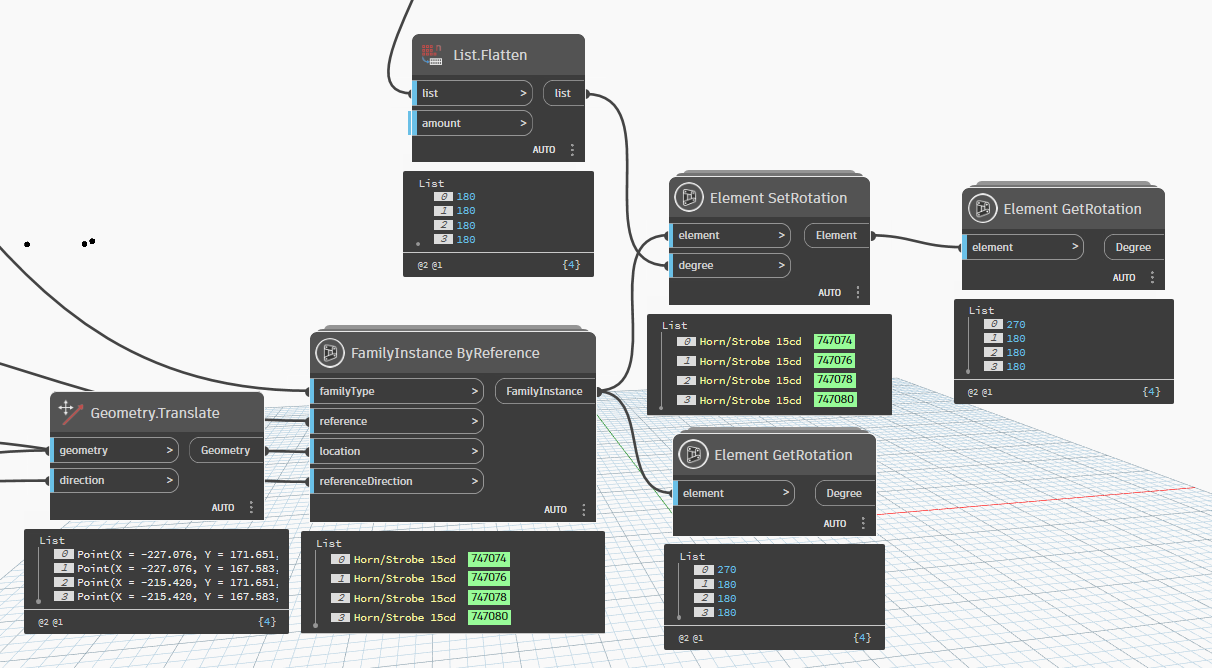
I have been having trouble rotating some family instances after they are in the model. If I run the script without trying to rotate the fmaily instances they all place fine just unrotated. But if I try and rotate them in the same script after they are placed the first element in the list doesnt show up where its supposed too and places way outside the model for some reason, but everything else seems to place and rotate fine.
I am confused on why this is happening with only the first element and would appreciate any help on how to possibly solve this. Worst case scenario I can make a separate script for rotating the elements after they are placed but I would like them in the same one if possible.
I have attached screenshots of what the outputs are for each node. Please let me know if any additional information is needed.

Thank you in advance