Hey,
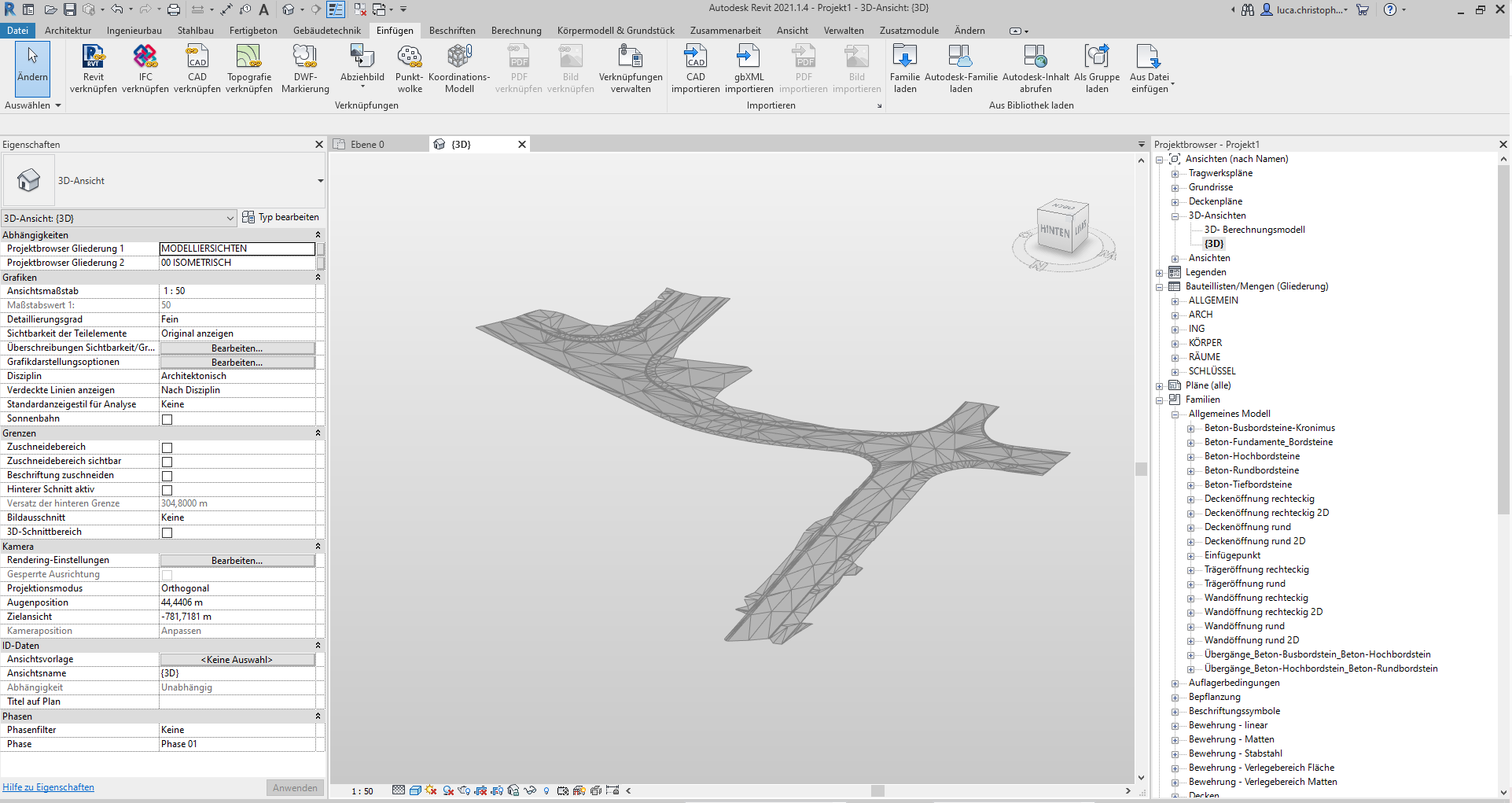
i am trying to load a digital terrain model with triangluated surfaces into Dynamo. If i do so the mesh geometry looks weird and the triangles get lost. Is there a workaround so I get the geometry which I see in Revit as faces in Dynamo?
Hi @Luca_SchmiWi ,
Have you tried the MeshToolkit Package?
It may have some useful nodes 
Managed to fix it by extracting point and indice data of the original mesh and recreating the surface with the MeshToolKit node Mesh.ByVerticesAndIndices.
RecreateMesh.dyf (42.5 KB)
Thanks for the hint.