There are many dynamo script online but they doesn’t work. Someone could help me to break the joints of a multiple selection of beams?
They probably do work, just not in your specific scenario.
Can you post what you’ve tried and explain what you’re trying to do?
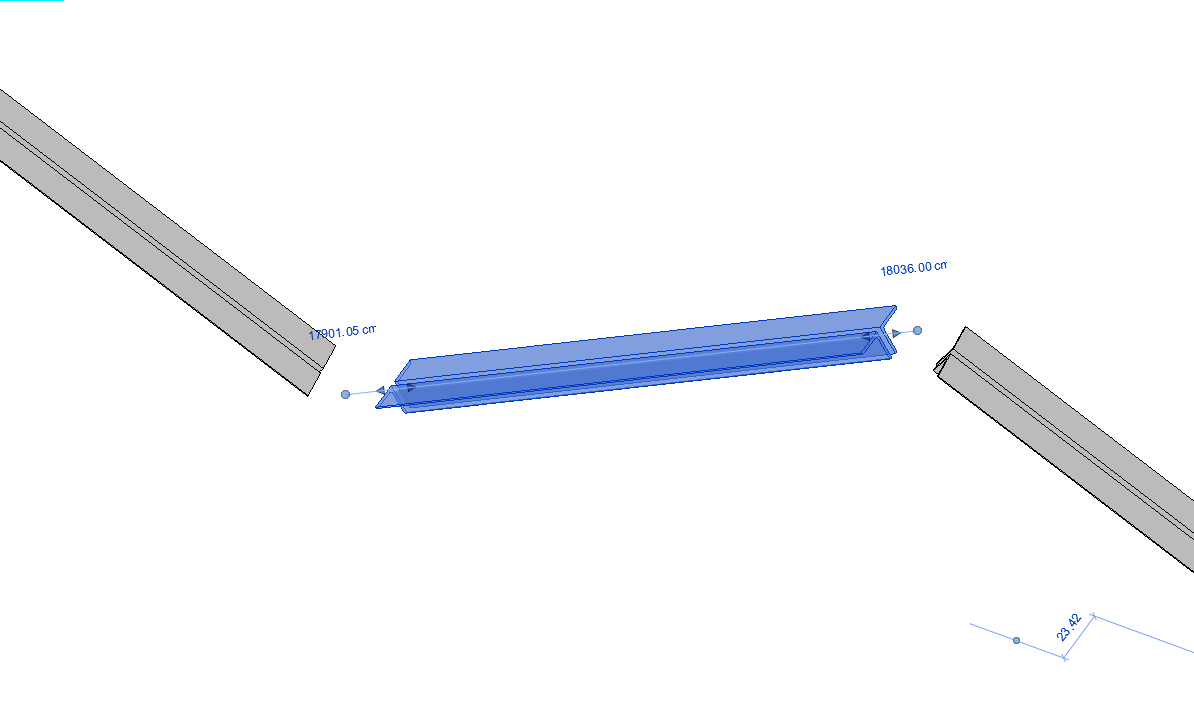
And the Dynamo you’ve tried?
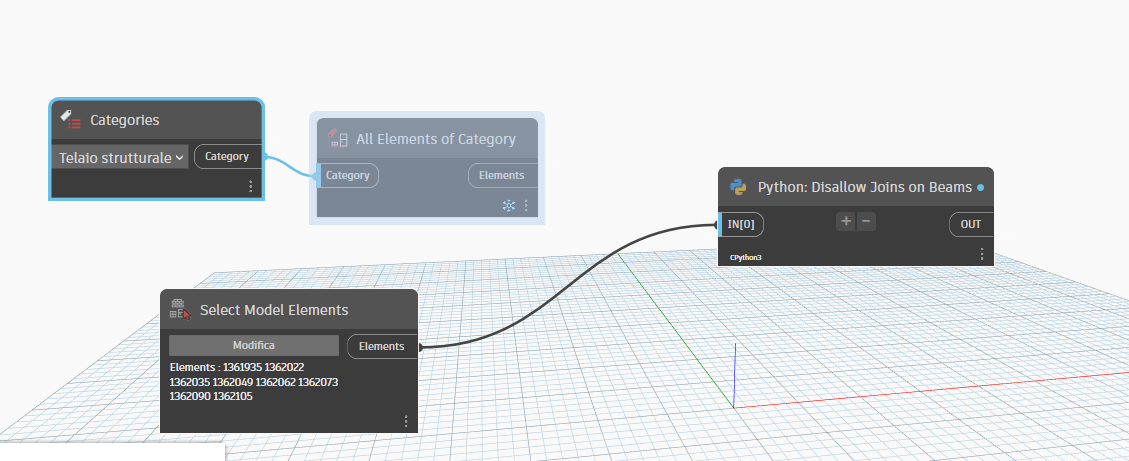
We are going to need more information.
What is in the python node?
What elements have you selected?
What is coming out of the Python node?
Hi @Sintecna.rws05 something here ? that node is from synthezise in python…but many similar can be found…
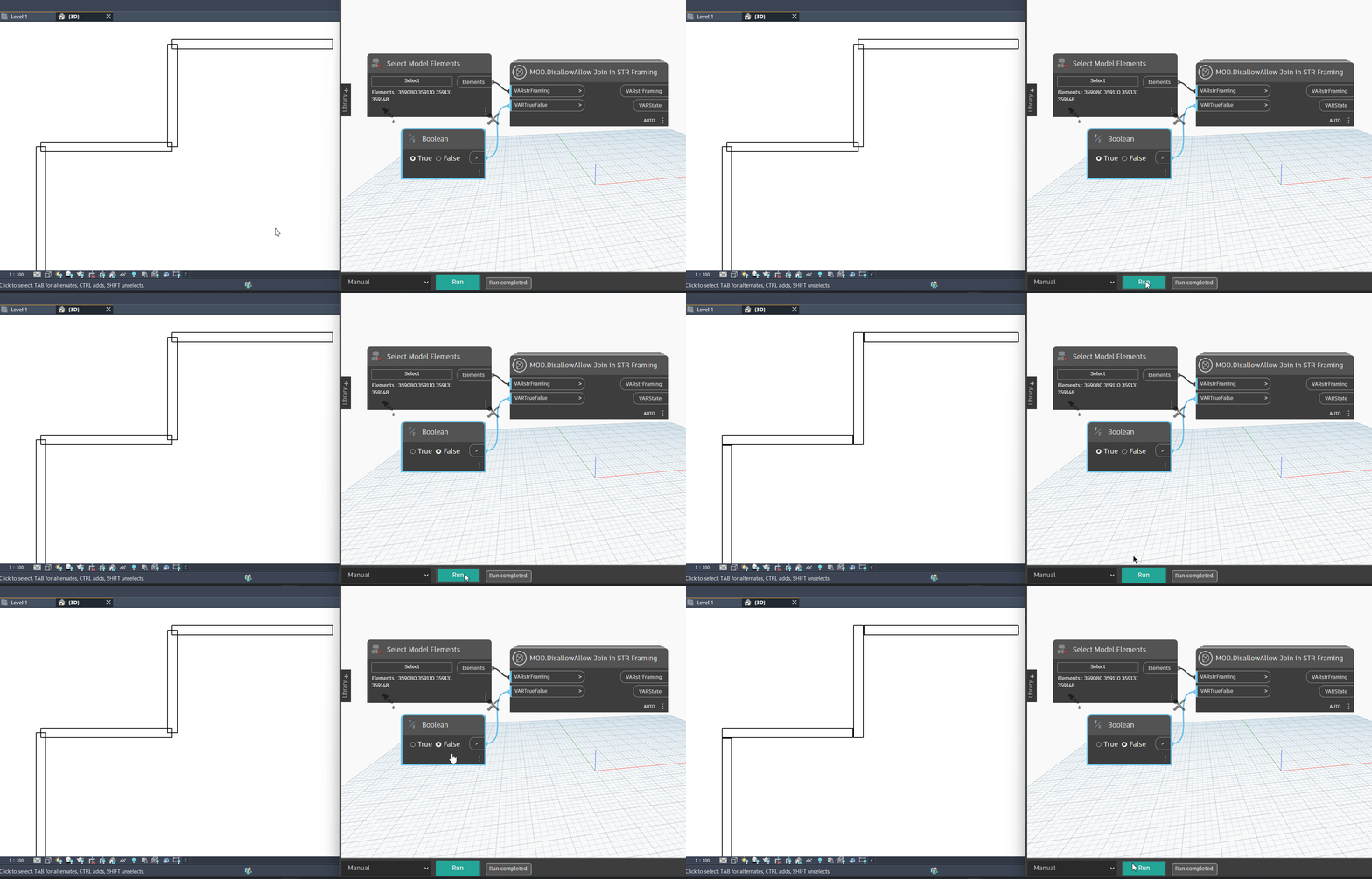

allright not sure isnt it what it does when its not joined and you select non joined ? take a look later im not in dyn in the moment
General imports
import clr
clr.AddReference(“RevitAPI”)
import Autodesk
from Autodesk.Revit.DB import *
clr.AddReference(“RevitServices”)
import RevitServices
from RevitServices.Persistence import DocumentManager
from RevitServices.Transactions import TransactionManager
clr.AddReference(“RevitNodes”)
import Revit
clr.ImportExtensions(Revit.Elements)
End of General imports
Unwrap inputs
input = UnwrapElement( IN[0] )
elements =
#force input into list
try:
for e in input:
if e.Category.Name == “Telaio strutturale”:
elements.append(e)
except:
if input.Category.Name == “Telaio strutturale”:
elements.append(input)
Start Transaction
doc = DocumentManager.Instance.CurrentDBDocument
TransactionManager.Instance.EnsureInTransaction(doc)
for e in elements:
Autodesk.Revit.DB.Structure.StructuralFramingUtils.DisallowJoinAtEnd(e, 0)
Autodesk.Revit.DB.Structure.StructuralFramingUtils.DisallowJoinAtEnd(e, 1)
End Transaction
TransactionManager.Instance.TransactionTaskDone()
Wrap
OUT = elements
I solved with this script. I tried yesterday but the problem was the language. I now insert the category family name in italian and it works!
great have to admit i dont know much about italian language  but great you could get it to work…