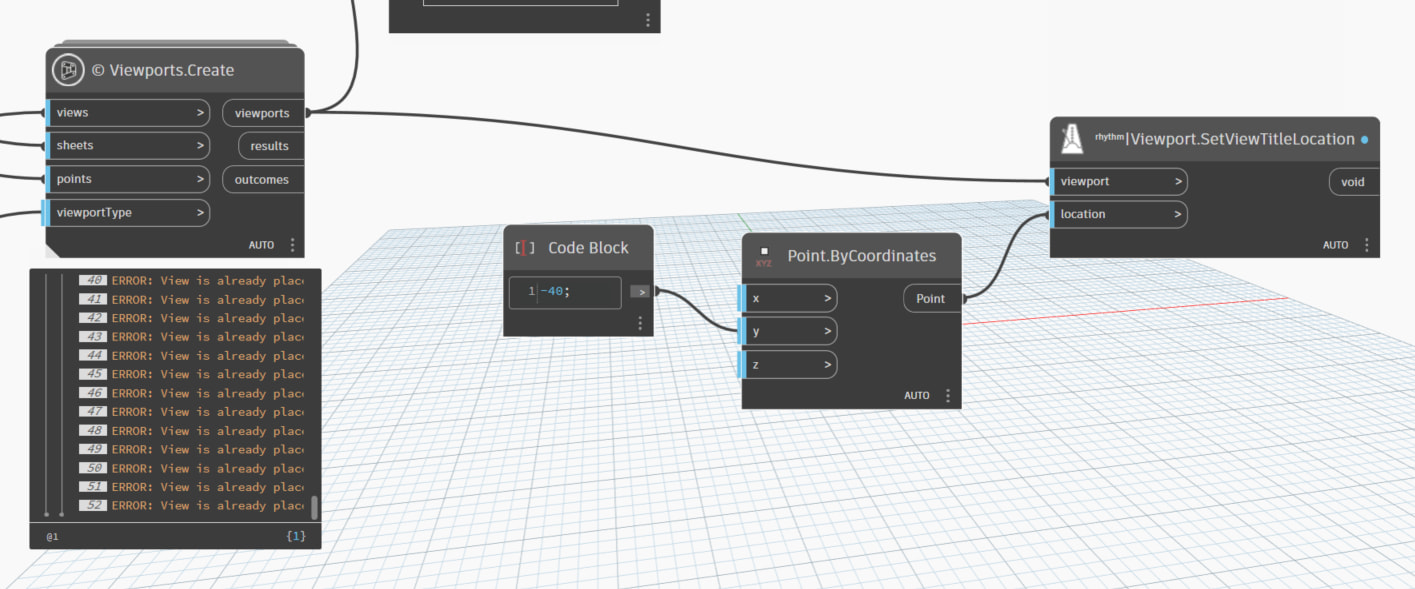
I use Dynamo to create sheets and add views, but i do not know how to add viewport (show as shot)

Hello @joezZSN7A welcome to the community  if you are after swap viewport types you could try as here

thanks a lot, but a new issue comes out, I have successfully created annotations for each drawing. I tried to move the annotation position, which is simple in Revit, but I found that the annotation and the drawing have the same model number. This means I cannot select the annotation alone without also selecting the drawing. Do you know how to solve this