I’m not versed enough in Dynamo to know exactly how to do that…sounds like a good idea though! Could you show me the nodes to use? Unfortunately I’m not a python-er either.
Saw a typo in how I formatted my text. Basically copy all of the stuff in the code sample into a new code block (double click on the canvas to get one of those). Then wire in the results of your datashapes UI++ node correctly and you should be all set.
Give it a shot and post back if you get stuck. I’m not at a PC to build anything directly for the rest of the day though.
It’s not working. The Code Block is giving the red triangle error.
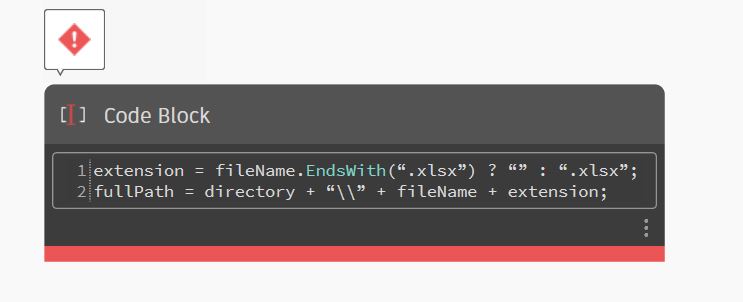
Replace the quotes with ones you type yourself.
Also if it still fails try making the first line ‘extension = String.EndsWith(fileName, “”, “.xlsx”);`
Success!! The code block still threw an error but the output excel file was created in the correct directory and the numbers were not separate digits.
Thank you for your help!!!