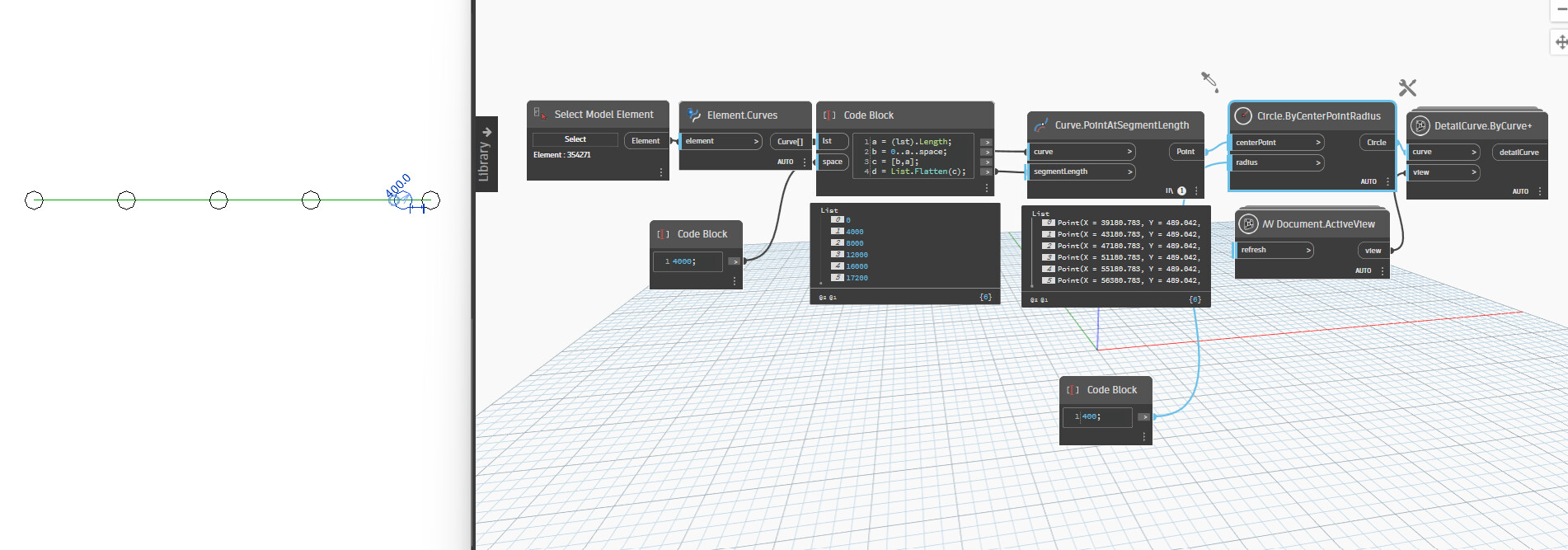
I am looking to create a script which, selects a line in Revit, and at selected increments, creates circular detail lines. This is how fence lines are drawn in my company, and I want to make it a small bit quicker, what is wrong with my script here?
Sorry, I actually didn’t get it working. What node should I be using for the points?
This is where I am currently at, and It only places a green circular detail line at the start of my line…
Thanks so much for the help I appreciate it a lot.

 I appreciate it a lot.