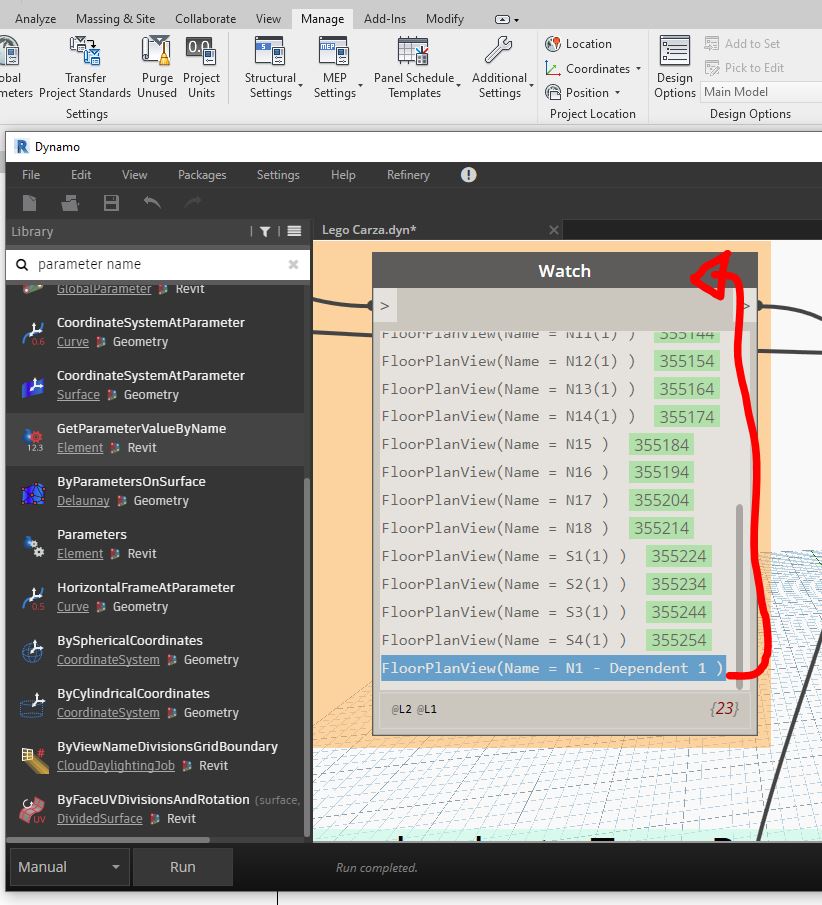
Hello everyone! it’s possible to organize this list in alphabetic order? I have N1 to N14 then S1 to S4, but I create a new view and it’s at the end of the list because was the last created.
Thanks in advance!
Use List.Sort Node


Welcome to the Dynamo Community @ubriacocontrerasgust
Use List.SortByKey and sort by View names

sortByKey.dyn (16.2 KB)

Thank you so much I really appreciate but doesnt works

Thank you so much! but sadly that doesnt works I think there are no way to solve it because I’ve N1 to N14 so the list arrange out is N1 N1 and N10 N11 N12 N13 N14 then N2 and so on 

Thank you so much! but sadly that doesnt works I think there are no way to solve it because I’ve N1 to N14 so the list arrange out is N1 N1 and N10 N11 N12 N13 N14 then N2 and so on


It does’nt work because, as text, after the “N” character it sort by the number. If the first char is an 1, it sort for all the 1 first, then 2 and so on.
You have 2 way to solve this:
1 - numbering with zero padding so you will get 01, 02, 03…
2 - split the name in N and the number, as a number (double, int) and sort with it.


sortByKey.dyn (11.8 KB)
d1 = Dictionary.ByKeysValues(List.Flatten([(0..9)+"","A".."Z"]),List.Flatten(([1.1..1.9..#10,10..36]+""),-1));
s1 = Math.Sum(String.ToNumber(Dictionary.ValueAtKey(d1,String.Split(str,""))));