Hi.
I want to get a solid of the interior the building. If I go through the rooms, there are gaps in between. How can I fill them? I came up with a method like this:
In Python, temporarily delete the interior walls and replace the location with a room separator. But I can’t find how to write this.

you could try grap all your interior walls solid, probably with geometry + from clockwork so you can get without insert etc…and then your rooms, and solid union…or get center boundery from rooms and union maybe 
If you use the centerline of the rooms when pulling the geometry to remove the ‘wall’ gaps, however I am not sure how well that will work for roofs and floors though - what’s the end use? There may be a better process to get what you’re after.
1 Like
yeah guess for floors and roof, it will depends on the rooms height, in that example here, so indeed there could be a better way…depends

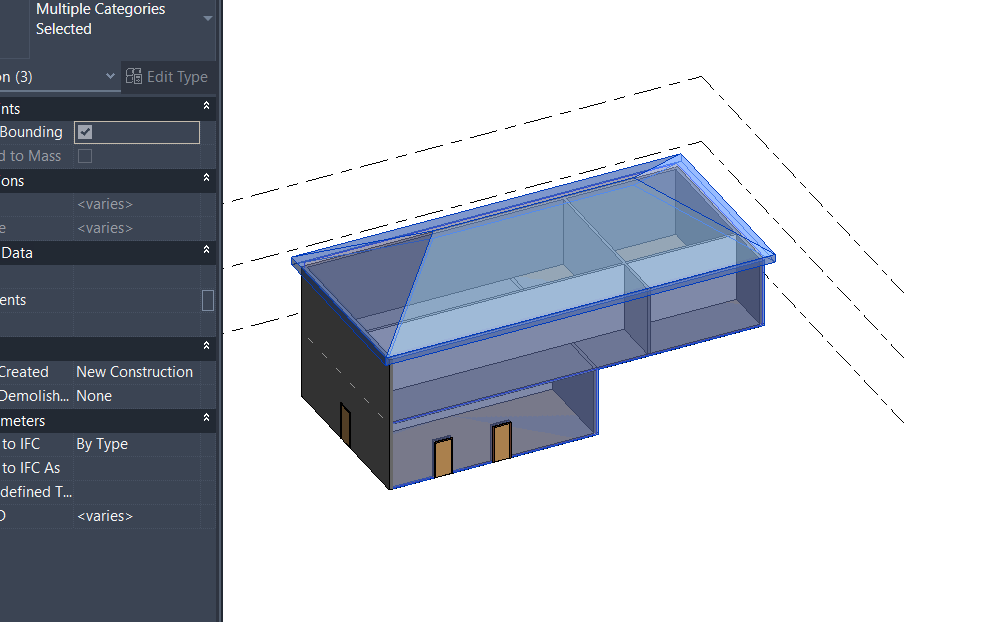
Hi! Arhilab’s RoomBoundaries works here:
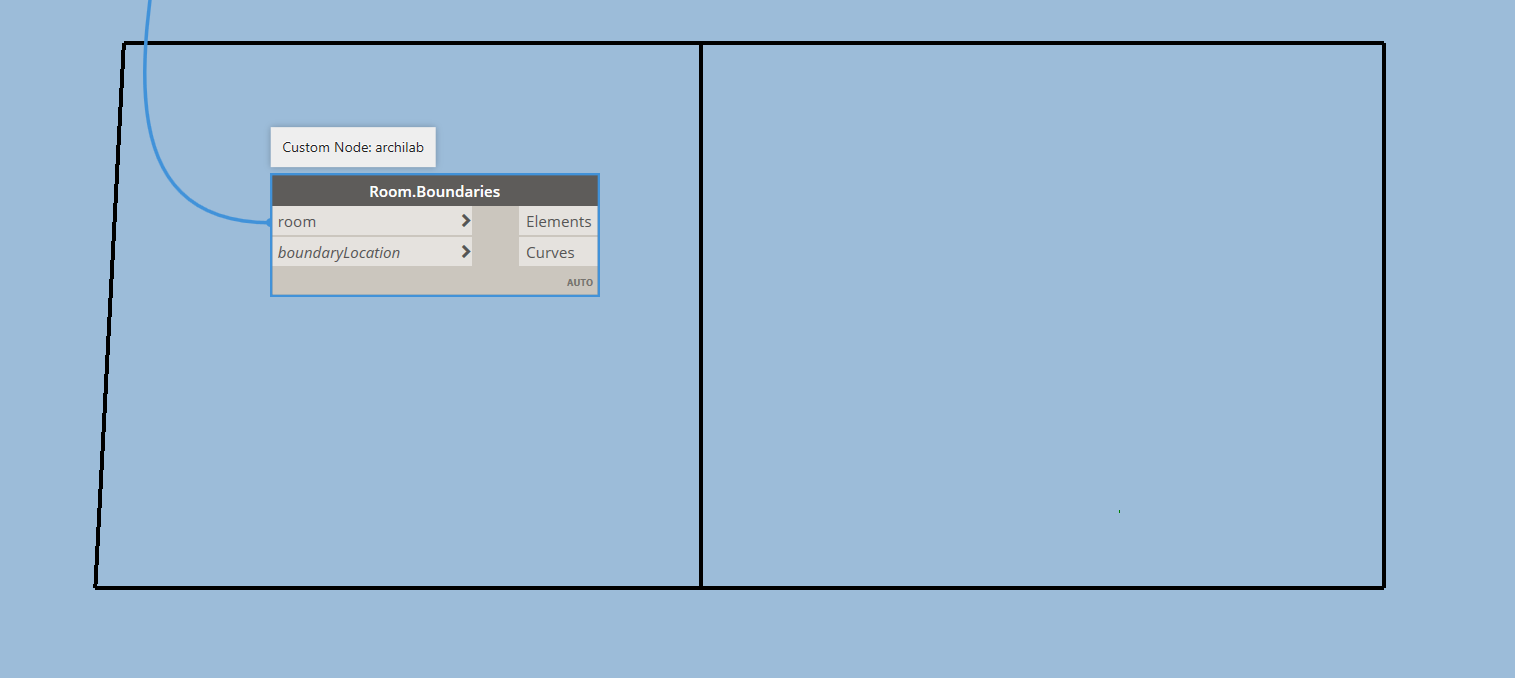
It takes Core boundaries by default. You can extrude them after with extra values to eliminate horizontal gaps.
2 Likes
It would be better for my scenario to get the rooms separately. I tried the first method I thought of for this and I succeeded! I can’t wait to share it with you.
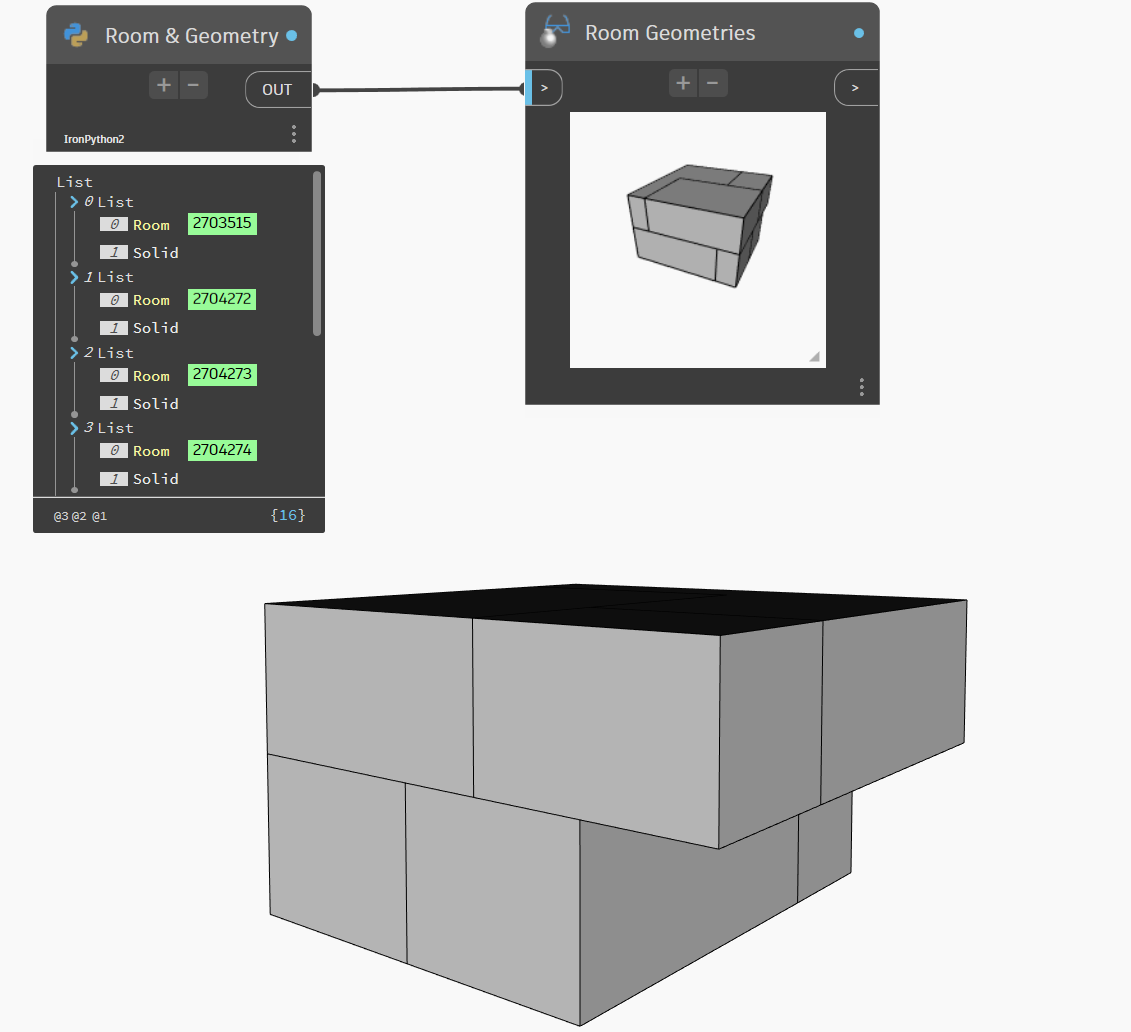
# Load the Python Standard and DesignScript Libraries
import clr
clr.AddReference('RevitAPI')
from Autodesk.Revit.DB import *

clr.AddReference("RevitNodes")
import Revit
clr.ImportExtensions(Revit.Elements)
clr.ImportExtensions(Revit.GeometryConversion)

clr.AddReference("RevitServices")
import RevitServices
from RevitServices.Persistence import DocumentManager
from RevitServices.Transactions import TransactionManager

doc = DocumentManager.Instance.CurrentDBDocument

# Rooms
all_room_list = FilteredElementCollector(doc).OfCategory(BuiltInCategory.OST_Rooms).WhereElementIsNotElementType().ToElements()


# To access the view from the name to place the room separator.
views = {}
views_all = FilteredElementCollector(doc).OfClass(View)
for view in views_all:
    views[view.Name] = view


# Interior walls to be placed room separator from locations. Will be temporarily deleted
all_wall_list = FilteredElementCollector(doc).OfCategory(BuiltInCategory.OST_Walls).WhereElementIsNotElementType().ToElements()
interior_wall_list = [wall for wall in all_wall_list if "22_WA" in wall.Name]

# Floors to be temporarily deleted
all_floor_list = FilteredElementCollector(doc).OfCategory(BuiltInCategory.OST_Floors).WhereElementIsNotElementType().ToElements()

op = []

# Start the temporary process
TransactionManager.Instance.EnsureInTransaction(doc)
trans = SubTransaction(doc)
trans.Start()

# Place a room separator at the location of the interior walls and delete the walls.
for wall in interior_wall_list:
    wall_level_name = doc.GetElement(wall.LevelId).Name
    view = views[wall_level_name]

    wall_location = wall.Location.Curve
    curvearray = CurveArray()
    curvearray.Append(wall_location)
    origin = wall_location.ToProtoType().PointAtParameter(0.5)
    xyz_origin = XYZ(origin.X,origin.Y,origin.Z)
    normal = XYZ.BasisZ
    plane = Plane.CreateByNormalAndOrigin(normal,xyz_origin)
    sketch_plane = SketchPlane.Create(doc,plane)

    separator = doc.Create.NewRoomBoundaryLines(sketch_plane, curvearray, view)
    doc.Delete(wall.Id)

# Delete Floors
for floor in all_floor_list:
    doc.Delete(floor.Id)

# To process the deleted walls and floors into the document for updating the rooms.
doc.Regenerate()

# Rooms and their geometries redefined with room seperators without internal wall and floor boundaries
geo_options = Options()
for room in all_room_list:
    room_geometry = list(room.Geometry[geo_options])[0].ToProtoType()
    op.append([room,room_geometry])

# Restore deleted floors and walls
trans.RollBack()
TransactionManager.Instance.TransactionTaskDone()
# Assign your output to the OUT variable.
OUT = op
3 Likes