Document.current Node is not working properly even though we make it as a longest lacing. Sometime it works and sometime it does not. Please help me in this case.
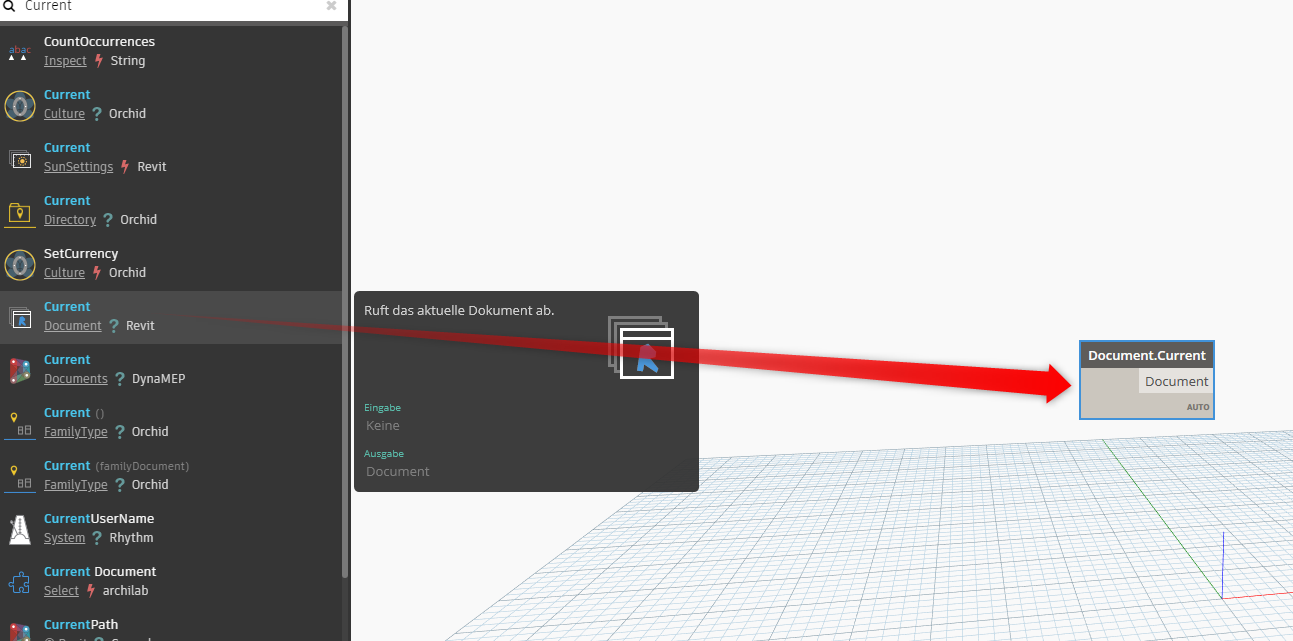

Define not working - is it returning a single Document? Or null? or something else? Assuming you mean the “out of the box” Document.Current, the results of this node should only ever be ONE document - the one which the Dynamo session is actively interacting with. Lacing won’t matter.
You currently have the attention of 3 highly skilled users, but we’re all scratching our heads to identify what you mean, so I suggest providing a good bit more information and to outline what you are after.


Hi yes it will need to refresh, you could try active view from spring there have a refresh option or simple disconnect and run and connect again…or try force run from datashapes extension bar
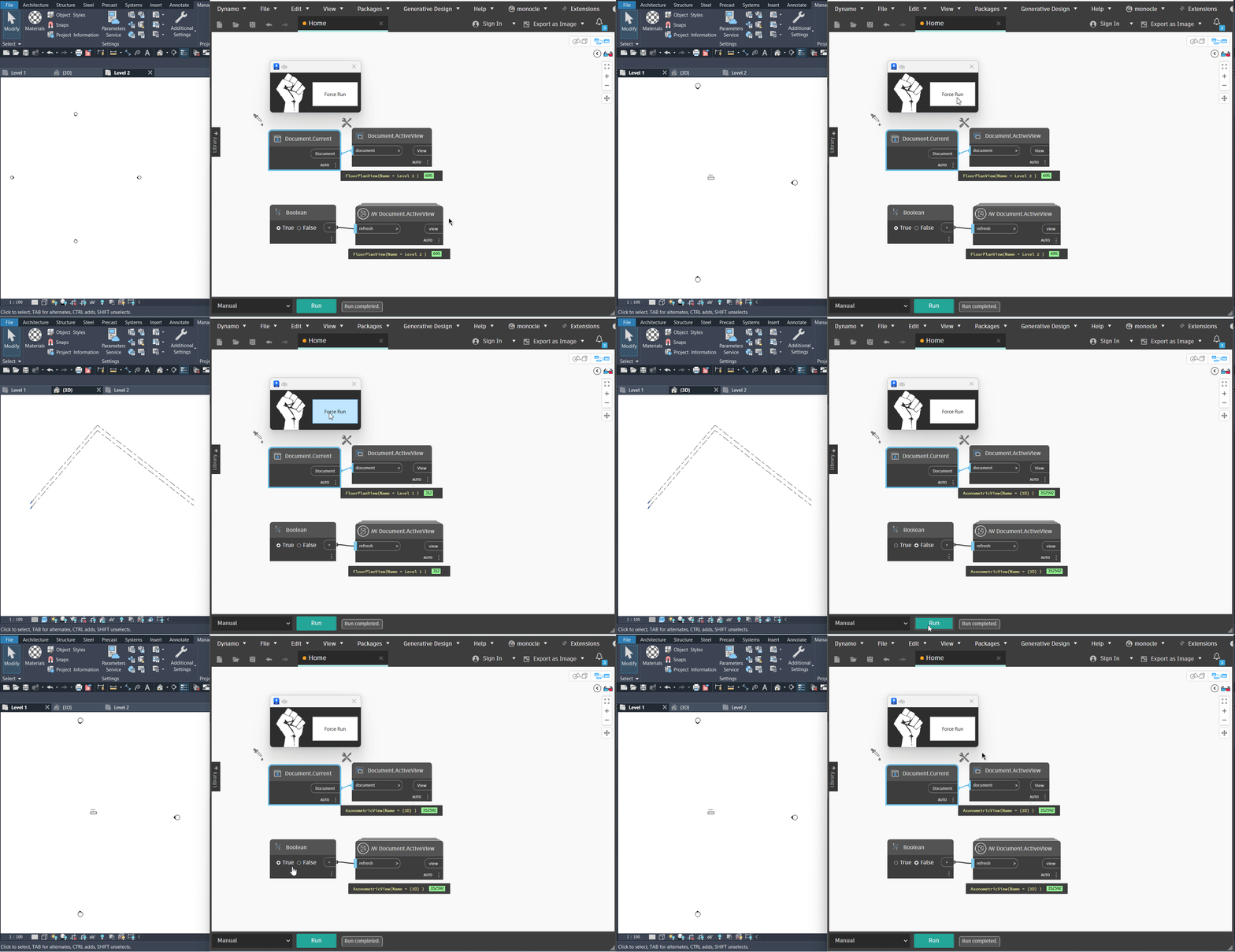
It would be great if it takes automatically. Above solution is also good and it works.