Through what process? This is the part we’re all missing because we don’t know Stratus or what you need from Revit in order to get what you need out of the export. If you can explain this process to us, we can help you identify what nodes or packages may be helpful in accomplishing this via Dynamo.
I don’t know the process but I think it’s the same as Navisworks. I saw it in this video on autodesk university. Here is the link. I will post a screenshot below of the video that shows everything he was able to do. It is Dynamo setting fabrication parts as revit materials. Using Dynamo with Fabrication Parts in Revit: How It Can Automate Mundane Tasks | Autodesk University
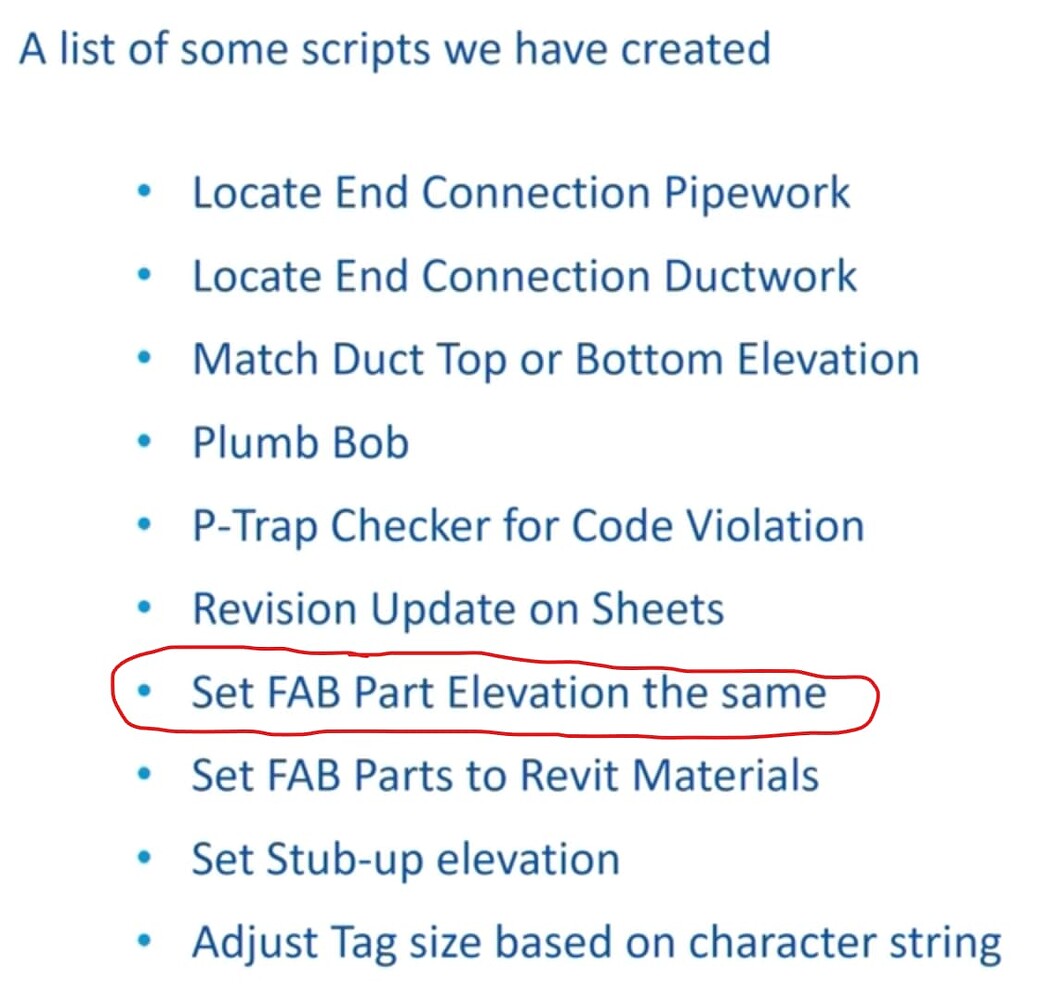
I circled the wrong one lol. It is where is says set fab parts to revit materials
That confirms that you can change the material of a fabrication part (which we already knew), but have you confirmed that the Revit material is what Stratus uses to render object colors? Can you show us what nodes you’re using to set the material properties?
1 Like

We need to see what you’re doing in Dynamo. Those instructions seem reasonable but are they working or not? If they’re not, where are you having trouble? We’ve already discussed the String.Contains node requiring string inputs. Has that been fixed? Are there new errors? We want to help, but we can only do so based off of the content and the context that you share with us. Right now, it’s hard to know what exactly you’re having trouble with.
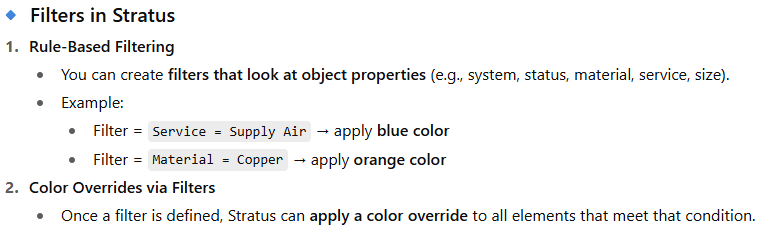
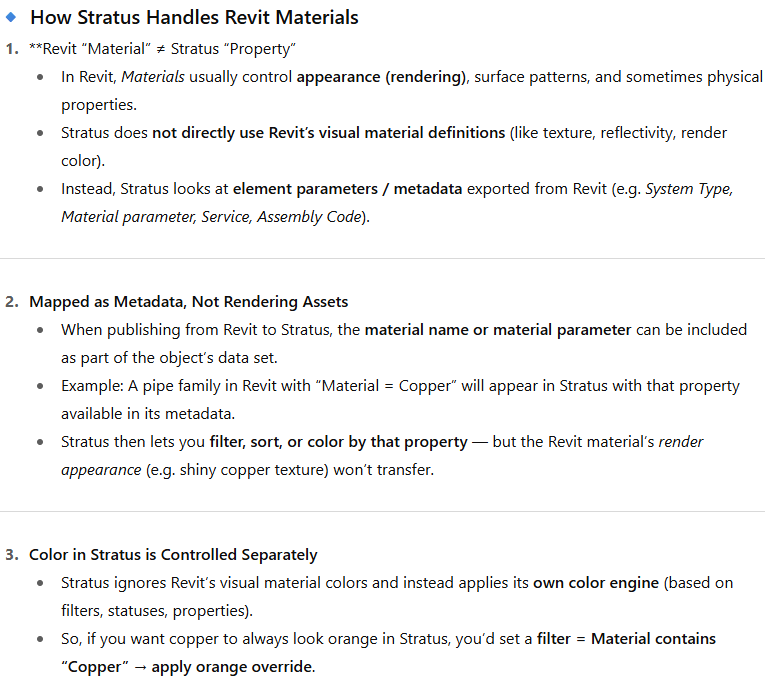
Wasn’t up to me, but i was curious. This is what i have found (using ChatGPT 
 ).
).
It is up to OP to confirm this.


I am a bit confused by this. You don’t work with Stratus yourself @Pipelayer?
But regardless of above. I think the main focus should be learning (how) Dynamo (works first).
Yes I use Stratus all the time. I don’t know the exact parameter that Stratus uses to dictate the color of pipe though. I know all my services are gray when I upload to Stratus. I’m thinking if I can get the Fabrication Parts to keep their colors like the guy did in the autodesk university video with Navisworks then is should work for Stratus as well.
I don’t know Stratus at all, but from what i have read you can create filters in Stratus(?)
So i start wondering if it isn’t more a Stratus issue / question then a Dynamo one? 
This is what you need to figure out first.
This is a huge assumption with no basis. It’s fair to say that Stratus probably has a way to identify colors from Revit similar to Navisworks, but if you’re looking for a default functionality that you can just pull from an exchange format of some kind, it’s probably not going to match exactly how Navisworks works.
The info that @bvs1982 found (granted it’s from GPT and needs to be confirmed) seems to suggest there are much simpler solutions using the data you already have. Why not start with what’s possible through the native application before you go trying to automate something external to the program you want to use? It sounds like you want to apply colors to the Revit objects based on system type when Stratus already has that functionality.
I finally figured out the script to set Fabrication Parts in Revit to Revit materials with Dynamo. Now when I export to Navisworks the Fabrication Parts keep their color that I give them in Revit. Thank you all for your replies.