
Get the information as you would like. Thanks for all the help.

However, now I have made numerous attempts to change the name of the environments, change them according to the list and I am unable to do so.
Any suggestion?
Great. This helped me a lot. Thanks
I think you’re providing the wrong parameter name. Should this be the room name or the new type?
Also, be sure show us all the inputs you’re feeding the SetParameterByName node so we can see what you’re actually doing there.
1 Like
You made a Dictionary but looks like your not using it in your graph(?).

This part looks wrong to me. And this  .
.
1 Like

I’m really lost in the process. I know it’s wrong, but I don’t know where to start again.
Changing environment names.dyn (39.7 KB)
Thank you for all your help once again
Can you also provide a sample project?
1 Like

1 Like


WeTransfer?
You can purge and delete whatever you don’t wanna share.
I basicly only need what is that screenshot for now.
1 Like
I cleaned the entire template and it still doesn’t load here. Could you give me your email so I can send it via we transfer?
Best to post on an open link so that others can help as well, otherwise the only one who can really help is @bvs1982 (which is added pressure for him and reduced help for you). 
1 Like
I don’t feel any pressure @jacob.small, no worries. Basicly the only thing I need to do is recreate @Nick_Boyts example (I think his approach works best in this case). She only needs to be little patient because I don’t have that much time to have a look at it. I notified her in a private message.
But if she also able to post an open link that would be great of course.
Somewhat of a summary;
- There are multiple solutions / approaches for her question.
(This can be both an Dynamo upside and pitfall) - Me and @Nick_Boyts posted different solutions but @cintiamiranda21 has troubles piecing that together (I think). No offense!
- @cintiamiranda21 has a little bit of trouble understanding how dictionaries work (I think). Again, no offense!

2 Likes
I have it fixed, but there is one ‘issue’ left .

You have multiple ‘identifiers’ per Room.
In example the Room with a Toilet and a Shower needs to either be “BTR” or “LVR”.
You want (need) the Lists to be of equal length too. Also the value for parameterName might have been wrong in your graph(?).

FYI
You can have a same value for keys, but not the other way around though!

So this .dyn is working with above  changes.
Changing environment names.dyn (30.4 KB)
1 Like
Hi @cintiamiranda21,
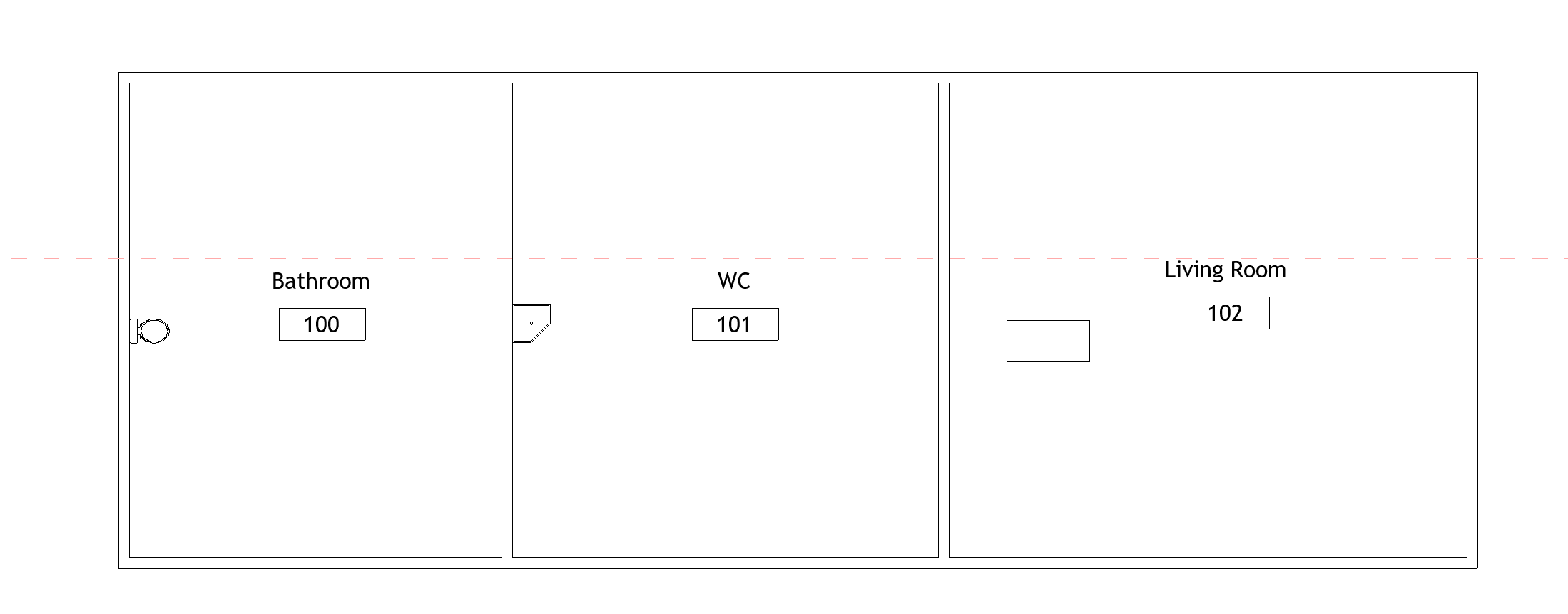
Couldnt follow all the threads here but here a demo for you hoping that it will be helpful. Just update the code blocks with your room names and furnitures data. Also consider to change categories according to your elements’ categories in the room.


1 Like
Wow…  You made me notice a silly mistake. In fact the error was in the parameter, but exactly because of my confusion with English.
  In other words, I was using English words in Dynamo, because I was talking to you here, but my entire project is in Portuguese.
I changed it and everything worked fine!
Thank you all so much once again!!! You are great helpers, I am learning a lot from everyone. 
3 Likes
Your solution also works great. Thanks!!! 
2 Likes