hi everyone, i would like to know how can i draft slope with floor in dynamo without using modify sub elements!
Yes, you can.
Hi @m.rashadRDLAZ yes can be done, but please show us what you have tried so far, and if you go stuck, then just show us where and we will be happy to help, if we can ;))

any hints here?
sure,
i have tried many ways but finally i started to use a python script from another topic but still have a problem

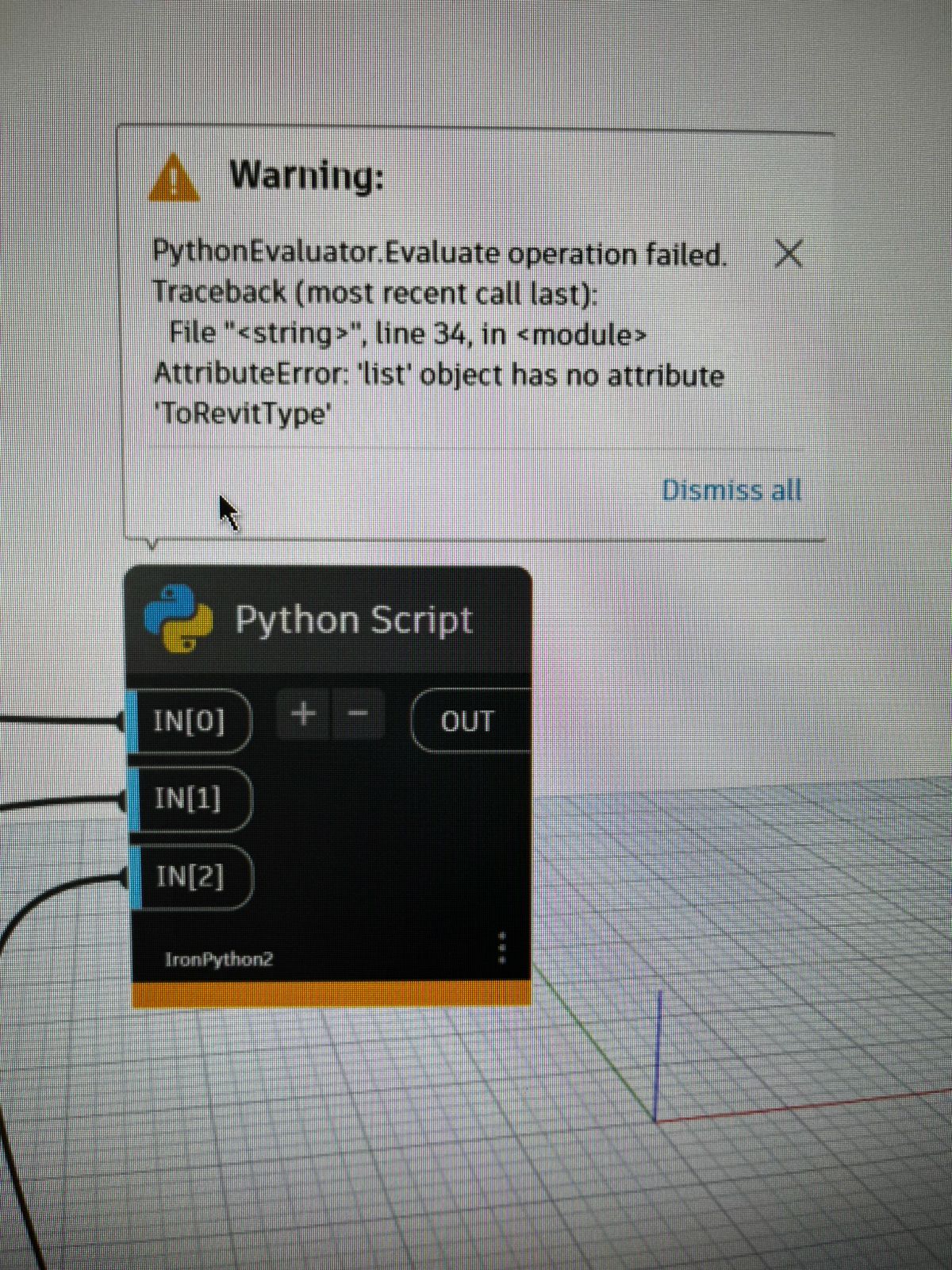
Python script
import clr

clr.AddReference('RevitAPI')
from Autodesk.Revit.DB import \*
from Autodesk.Revit.DB.Structure import \*

clr.AddReference('RevitAPIUI')
from Autodesk.Revit.UI import \*

clr.AddReference('System')
from System.Collections.Generic import List

clr.AddReference('RevitNodes')
import Revit
clr.ImportExtensions(Revit.GeometryConversion)
clr.ImportExtensions(Revit.Elements)

clr.AddReference('RevitServices')
import RevitServices
from RevitServices.Persistence import DocumentManager
from RevitServices.Transactions import TransactionManager

doc = DocumentManager.Instance.CurrentDBDocument
uidoc=DocumentManager.Instance.CurrentUIApplication.ActiveUIDocument

#Preparing input from dynamo to revit
profile = IN\[0\]
level = UnwrapElement(IN\[1\])
slope = IN\[2\]

ca = CurveArray()

for c in profile:
    ca.Append(c.ToRevitType())


line = ca\[1\]

#Do some action in a Transaction
TransactionManager.Instance.EnsureInTransaction(doc)

floor = doc.Create.NewSlab(ca, level, line, slope, True)

TransactionManager.Instance.TransactionTaskDone()

OUT = floor
Hi @m.rashadRDLAZ yeah always best show what you try…but try something here and could maybe work for you 

slope floor.dyn (13.2 KB)
thanks bro but unfortunately when i tried to use my own workflow and define the slope as a percentage like 2% it didn’t work
testooooooooo.dyn (48.1 KB)

i am trying to solve it but kindly can u tell me what is input 3 & 4 refer to? in python script
and sorry for interruption
no worries
yeah 3 define the perimeter curve index for slope direction, 4 define the slope
ok just bear with me i took ur original script and modified it to meet my project requirement note that my floor is irregular shape and has a slope with 2.5% but believe me i will destroy my machine if u will not rescue it
slope floor updated.dyn (24.7 KB)
allright not at dyn now, but ry take a look on this post specielly @jacob.small post here…How to assign slope to created floor - #18 by jacob.small
ypo are welcome to share the rvt with the cad for take a deeper look
sure, this is the last updated graph and rh cad file for the floor all i need is to assign a slope maybe 2.5% to the floor
test apron by dynamo.dwg (38.4 KB)
slope floor updated.dyn (24.7 KB)
i have only tried on your shared file, and something seems works fine from my side

same script?
same script ??? does it work or not ?


allright then try take a deep look at Jacobs shared post where he do it with a vector, i havent tried..for rad vs degree maybe its your project unit, guess the python do it in degree, or you could just do some math for convert…
ok bro appreciate your efforts 
