I am writing a program to export room data from an architectural model into an Excel sheet, which then performs some initial MEP calculations. For bounded rooms, the room.area node works fine, but I’m trying to find a way to get the area from an unbounded room in Revit.
I have looked at the archilab room.boundaries node and have been trying to see whether I could use that to calculate the area, but no luck so far.
Does anyone have any ideas?
Hi @gemma.crowe and welcome…not really you could try with some separation lines for the unbounded and then create spaces…or as i would do tell the arch they have some issues with roombounding and ask polite if they wanna fix it…arhh probably i misunderstand…the arch model is the active model…if so i would try fix it
If you start a new project and place only a room in the model, how would you define it’s area?
Hey @sovitek thank you, yes the architects model is the active model, so I can fix the room bounds myself, although for larger projects we have this could become tedious.
Is there a way to change room bounds with Dynamo, or create separation lines that I can calculate the area from to still make this an automatic process?
Hi @gemma.crowe dont think there are any easy solution here, it will depend on the situation…but here is a very rough example…anyway i would try fix the boundery itself in the model…
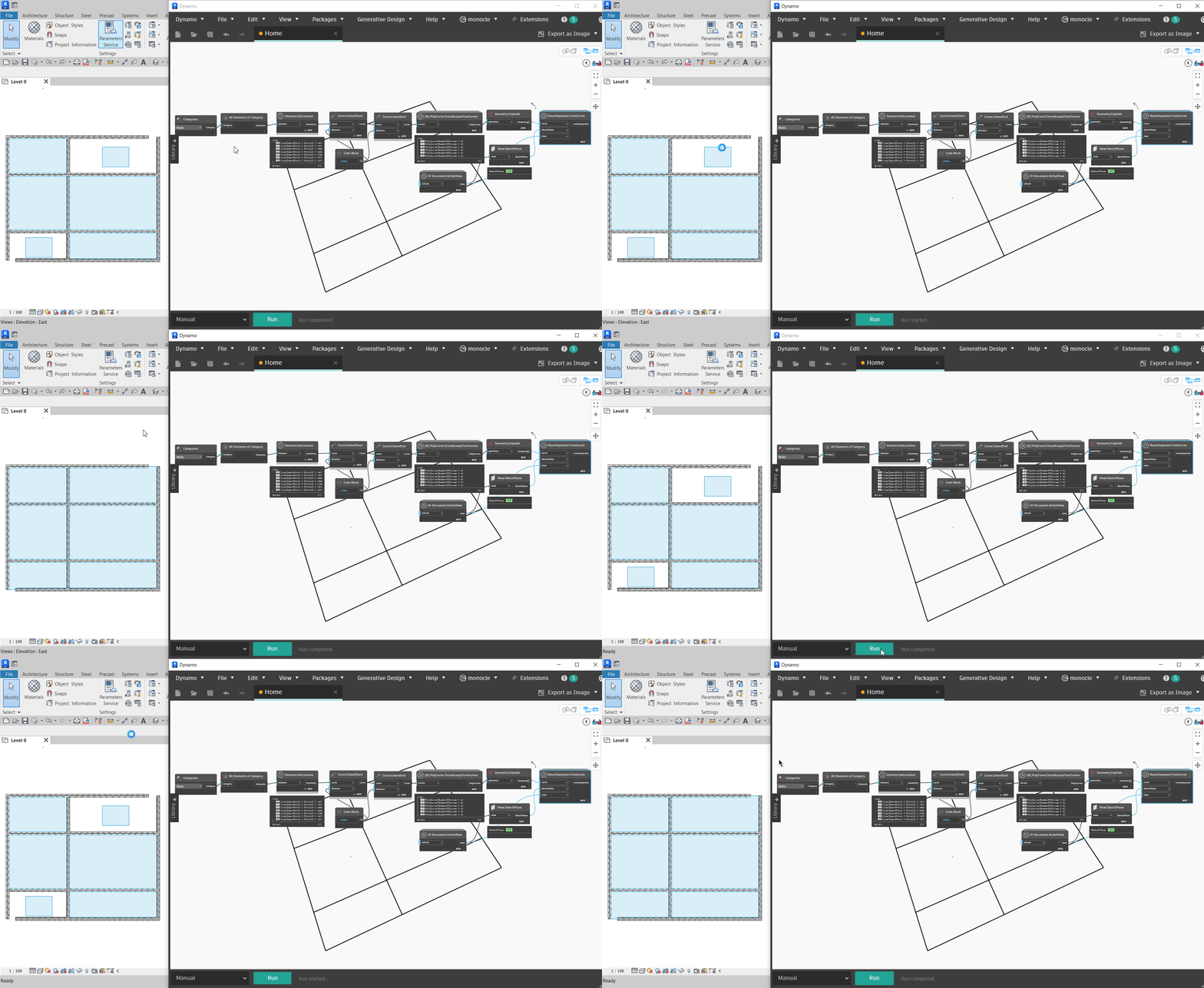
@sovitek this looks promising!! I’ll have a play around and see what I can get sorted.
Thank you!
Ok let us know if you find a really good way 